
WP Residence Help WP Residence Help

  • WPRESIDENCE
  • Video Tutorials
  • Client Support
  • API
Home / Property Lists, Categories & Archive / How to open link to property page in new window

How to open link to property page in new window

3440 views 0

The option to Open link to property page in new window can be found on Theme Options > Design > Property, Agent, Blog Lists Design section as displayed on the below panel.

Choose YES – to open the links on a new page

Choose NO – open the link on the same page

This option will apply automatically in all the places where the property card is used.

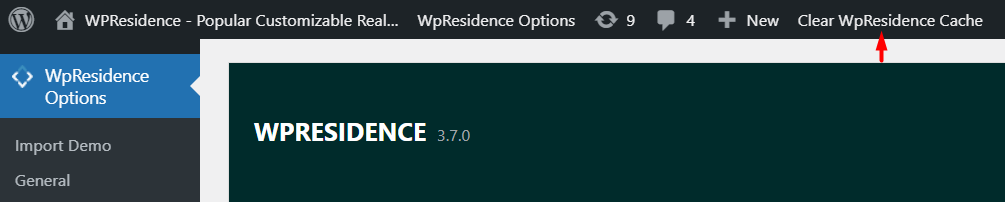
Tip: If you have theme cache enabled, make sure you clear cache to see instant results.
Property Lists, Categories & Archive

Related Articles

  • Theme Options -> Half Map Template
  • How to manage Sold properties in WP Residence Theme
  • How to manage Property order in Lists
  • Property Taxonomies / Categories

Help Categories

  • 18Agent, Agency & Developers
  • 5Blog Posts & Blog Lists
  • 38Elementor Shortcodes Built-In
  • 45FAQ
  • 15Footer
  • 5Getting Started
  • 37Header
  • 2IDX & MLSImport
  • 6Installation & Setup
  • 23Installation FAQ
  • 23Maps & Location Settings
  • 21Multi-Language Third Party Plugins
  • 6Other Third party Plugins
  • 19Pages
  • 4Payments & Monetization
  • 20Property Lists, Categories & Archive
  • 36Property Pages & Layouts
  • 31Search & Filtering
  • 162Technical how to | Custom Code Required
  • 8Technical: Actions and filters
  • 6Technical: Child Theme
  • 86Theme Options & Global Settings
  • 6Translations & Languages
  • 16WPBakery Shortcodes
  • 51WPResidence / WPEstate CRM
  • 50WPResidence 5.0 Documentation
  • 8WPResidence Elementor Studio
  • 50WPResidence Translate Plugin

Join Us On

Powered by WP Estate - All Rights Reserved
  • WPRESIDENCE
  • Video Tutorials
  • Client Support
  • API