WP Residence Help WP Residence Help

  • WPRESIDENCE
  • Video Tutorials
  • Client Support
  • API
Home / Property Lists, Categories & Archive / How to enable Zillow Card Modal for Property Unit

How to enable Zillow Card Modal for Property Unit

4357 views 0

Before reading this help file you may want to check this video. It explains theme functionality and may be easier to understand. Watch Video on Youtube

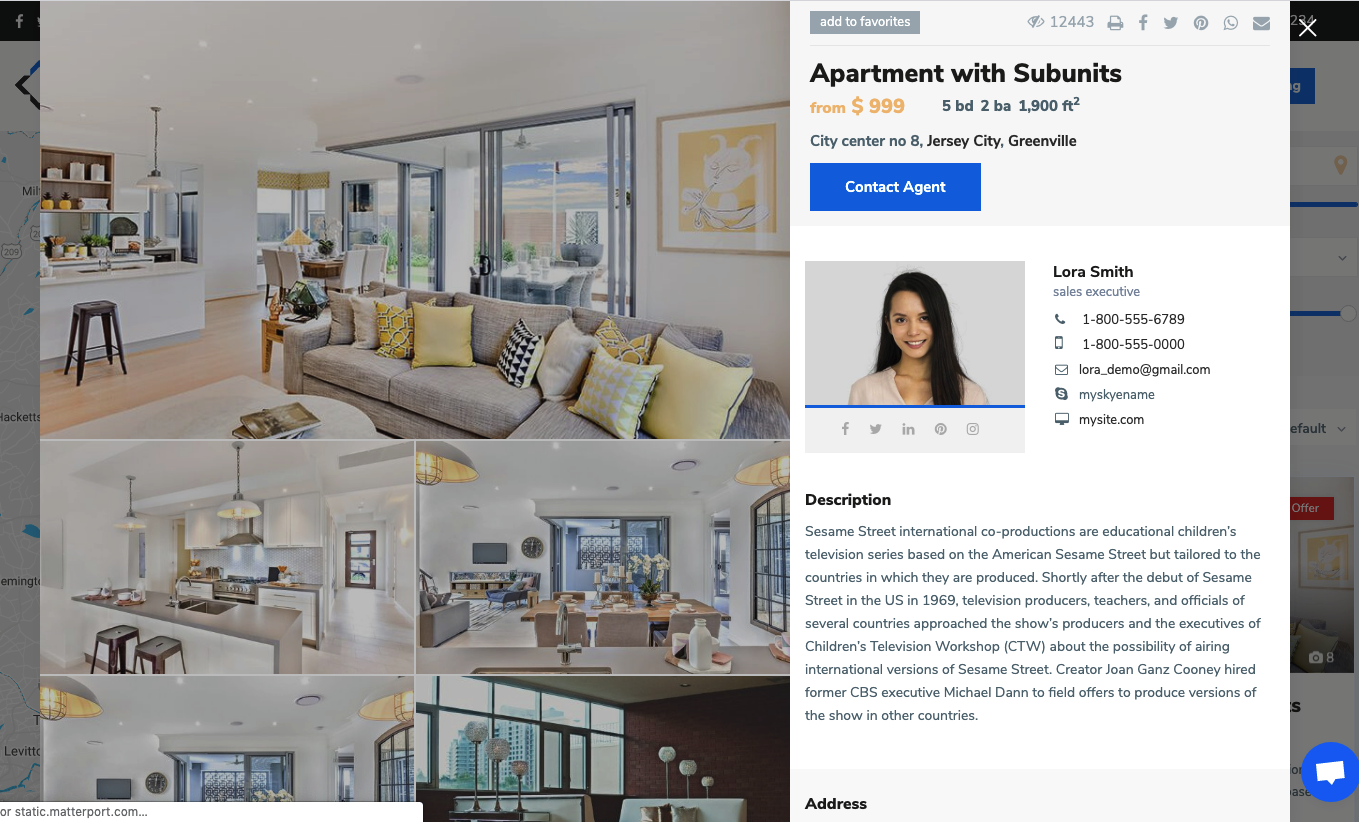
To enable this option you must navigate to Theme Options > Design > Property, Agent, Blog Lists Design and setup yes to Click and open Property Modal Window – Zillow style option.


The option will apply in lists (Properties List, Search Results)
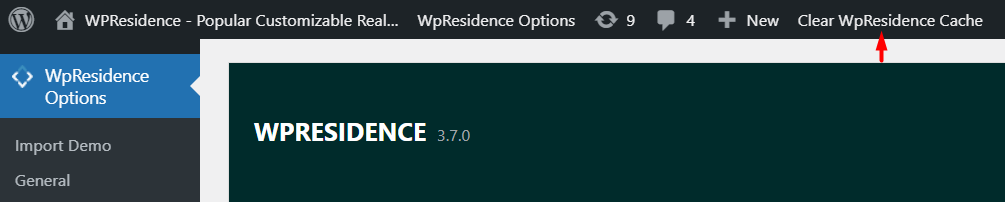
Tip: If you have theme cache enabled, make sure you clear cache to see instant results.
Property Lists, Categories & Archive

Related Articles

  • Theme Options -> Half Map Template
  • How to manage Sold properties in WP Residence Theme
  • How to manage Property order in Lists
  • Property Taxonomies / Categories

Help Categories

  • 18Agent, Agency & Developers
  • 5Blog Posts & Blog Lists
  • 38Elementor Shortcodes Built-In
  • 56FAQ
  • 15Footer
  • 5Getting Started
  • 37Header
  • 2IDX & MLSImport
  • 6Installation & Setup
  • 22Installation FAQ
  • 23Maps & Location Settings
  • 21Multi-Language Third Party Plugins
  • 6Other Third party Plugins
  • 19Pages
  • 4Payments & Monetization
  • 20Property Lists, Categories & Archive
  • 36Property Pages & Layouts
  • 31Search & Filtering
  • 163Technical how to | Custom Code Required
  • 8Technical: Actions and filters
  • 6Technical: Child Theme
  • 86Theme Options & Global Settings
  • 6Translations & Languages
  • 16WPBakery Shortcodes
  • 51WPResidence / WPEstate CRM
  • 50WPResidence 5.0 Documentation
  • 8WPResidence Elementor Studio
  • 50WPResidence Translate Plugin

Join Us On

Powered by WP Estate - All Rights Reserved
  • WPRESIDENCE
  • Video Tutorials
  • Client Support
  • API