
WP Residence Help WP Residence Help

  • WPRESIDENCE
  • Video Tutorials
  • Client Support
  • API
Home / Technical how to | Custom Code Required / Technical: Change default user type in register form

Technical: Change default user type in register form

3147 views 0

The “register code” is in wpresidence/libs/ajax_functions.php , function wpestate_ajax_register_user
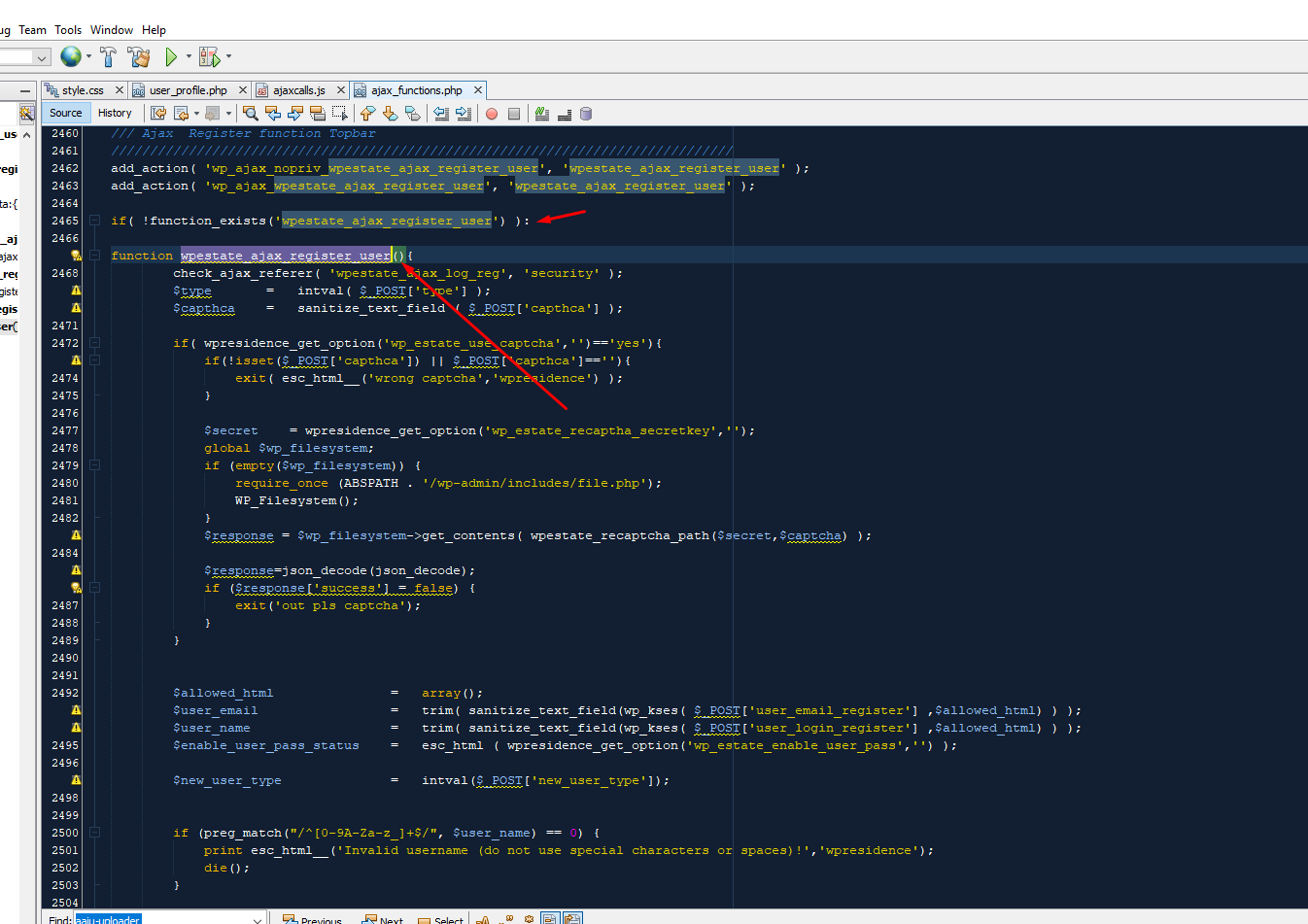
the user level is set via this code
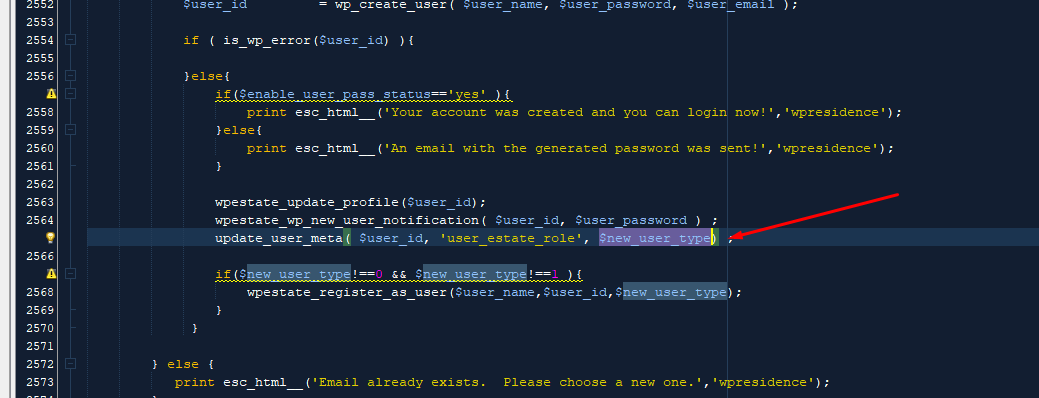
update_user_meta( $user_id, ‘user_estate_role’, $new_user_type) ;

​$new_user_type is set via $new_user_type = intval($_POST[‘new_user_type’]);

Because of the intval function , if there is nothing in $_POST[‘new_user_type’] the value saved will be 0

You can set the value by checking $_POST[‘new_user_type’] and setting 1,2 etc according to the level you want .User Role (1, 2 , 3 or 4): 1 = simple user, 2 = agent, 3 = agency, 4 = developer

Technical how to | Custom Code Required

Related Articles

  • Technical: Change the Schedule Tour Email Text and the Form Default Message
  • Property list filter customization
  • Technical – How to Change the Minimum Image Dimensions for Property Uploads in WPResidence
  • Introduction to WPResidence Header Customization

Help Categories

  • 18Agent, Agency & Developers
  • 5Blog Posts & Blog Lists
  • 38Elementor Shortcodes Built-In
  • 56FAQ
  • 15Footer
  • 5Getting Started
  • 37Header
  • 2IDX & MLSImport
  • 6Installation & Setup
  • 22Installation FAQ
  • 23Maps & Location Settings
  • 21Multi-Language Third Party Plugins
  • 6Other Third party Plugins
  • 19Pages
  • 4Payments & Monetization
  • 20Property Lists, Categories & Archive
  • 36Property Pages & Layouts
  • 31Search & Filtering
  • 163Technical how to | Custom Code Required
  • 8Technical: Actions and filters
  • 6Technical: Child Theme
  • 86Theme Options & Global Settings
  • 6Translations & Languages
  • 16WPBakery Shortcodes
  • 51WPResidence / WPEstate CRM
  • 50WPResidence 5.0 Documentation
  • 8WPResidence Elementor Studio
  • 50WPResidence Translate Plugin

Join Us On

Powered by WP Estate - All Rights Reserved
  • WPRESIDENCE
  • Video Tutorials
  • Client Support
  • API