IMPORTANT: You must do this only once after you update or install WP Residence v1.30.4+. This will not be required again for future updates unless you decide to reset the database and start over.
Login in Theme Forest with your buyer account.
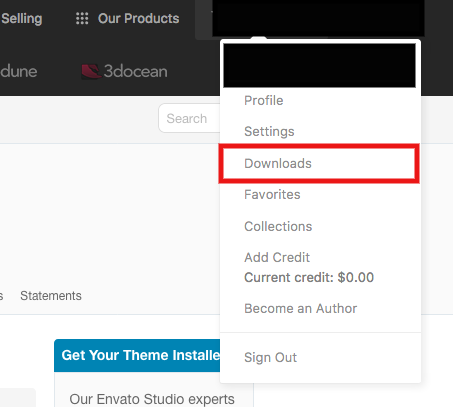
Go to Downloads
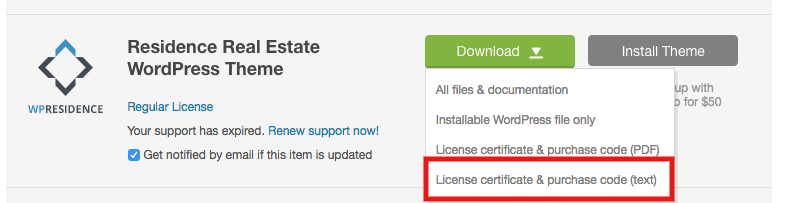
Go to your purchase and select License Certificate and Purchase Code
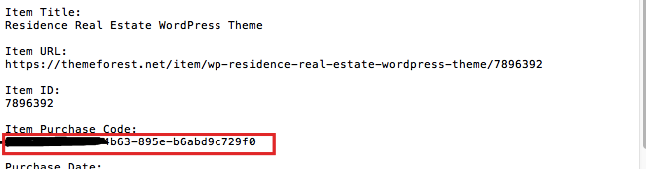
Copy the buyer code from the text file
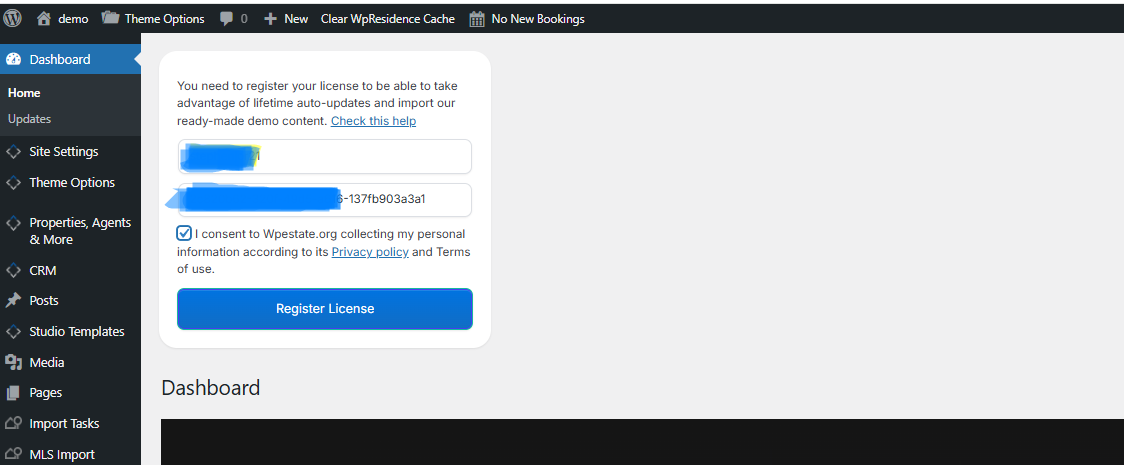
Paste the license code and Envato Username in Dashboard –> License box–> and click the button “Register LICENSE”.
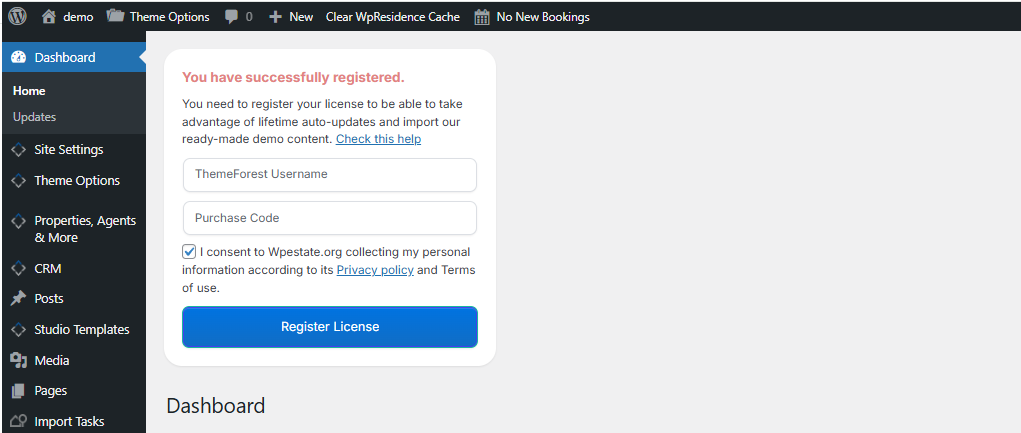
After you see the message “You have successfully registered.” and you will see all theme options
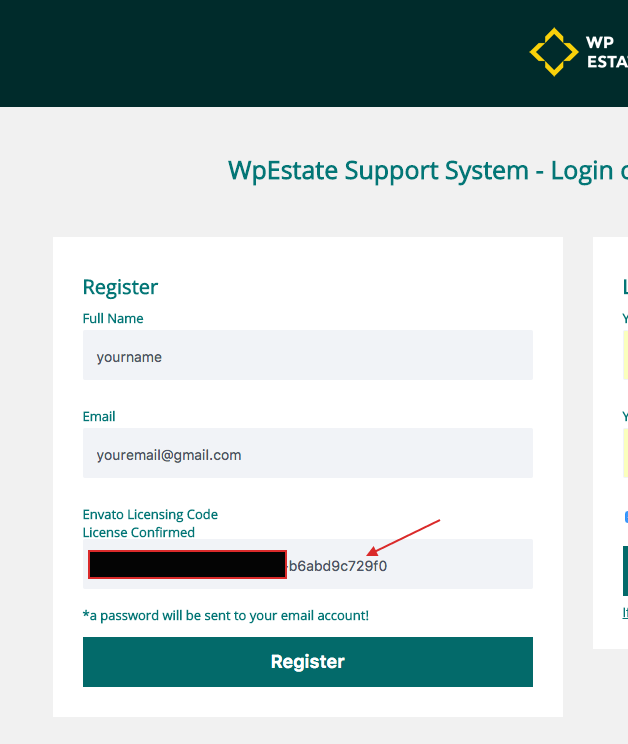
You will need the same license code to register for a support account in client support system – http://support.wpestate.org/
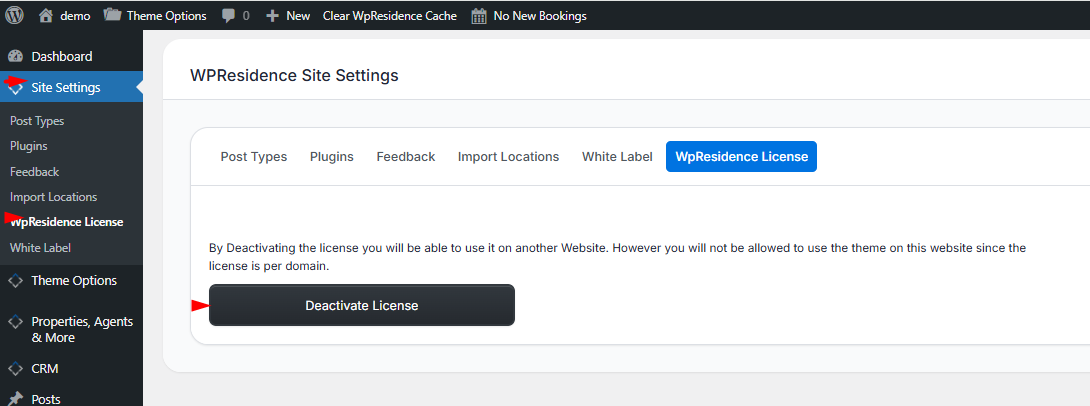
If you want to reset database or you need to change the domain, you must decativate the license first. Go to admin-Site Settings- WPResidence License and press deactivate license