How to Change the Price Number Format
Theme versions 3.9.1 and higher
- Open the parent theme file wpresidence/libs/help_functions.php.
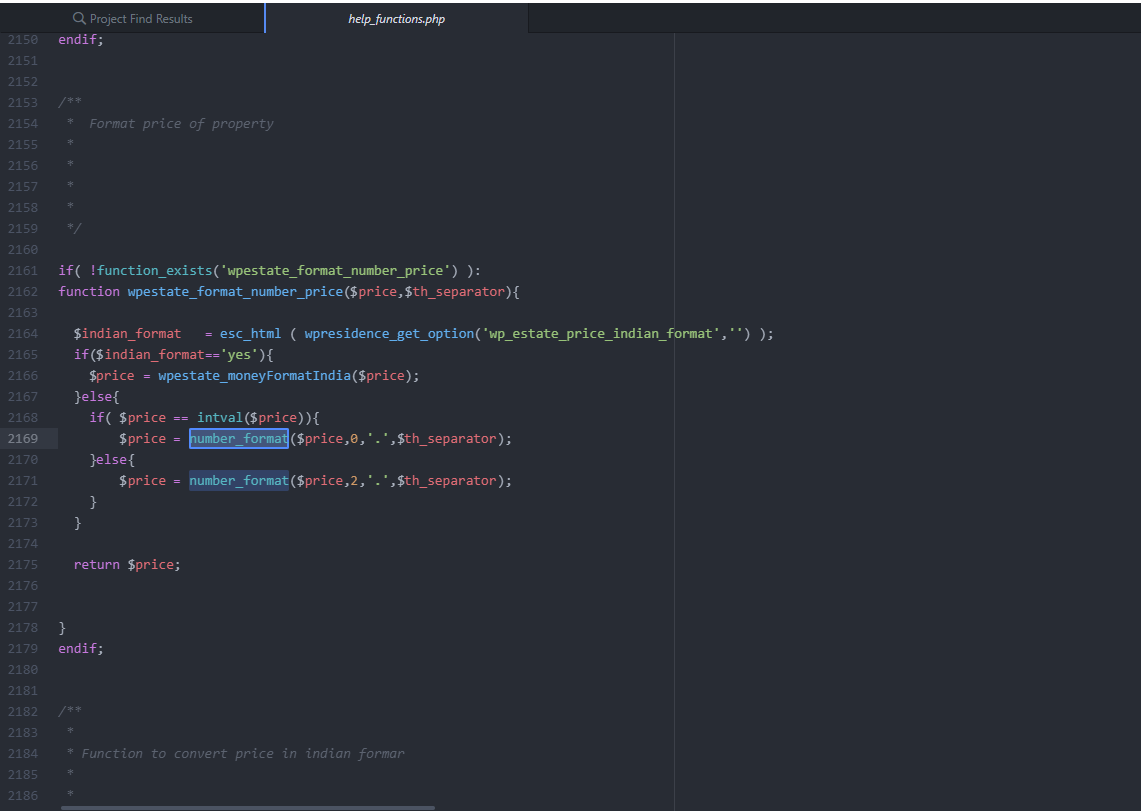
- Locate the function wpestate_format_number_price (around line 1179 in WPResidence version 5.3.2.1).
- Inside that function adjust the
number_formatcall so that the decimals argument is set to 2. This forces prices to always show two decimal places even when the value ends in 00. - If you are working in a child theme, copy the entire wpestate_format_number_price function to the child theme first because the original function is wrapped in
if (! function_exists('wpestate_format_number_price')). Updating it in the child theme keeps the customization through future parent theme updates.
Guidance for older theme versions
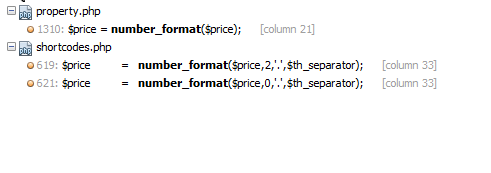
The same price formatting logic lives in wp-content/themes/wpresidence/libs/help_functions.php. Adjust the number_format call in the wpestate_format_number_price function to match your desired number of decimals, thousands separator, and decimal separator. Refer to the PHP manual for number_format for parameter details.
Example: Indian numbering format
- Edit wp-content/themes/wpresidence/libs/help_functions.php and find the line where $price is constructed (the same wpestate_format_number_price function, near line 1179 in version 5.3.2.1).
- Replace the existing formatting block with the following locale-specific logic:
setlocale(LC_MONETARY, 'en_IN'); $price = money_format('%.0n', $price); This change prints prices using the Indian grouping style.
–
2. wp-content/plugins/wpresidence-core