WP Residence Help WP Residence Help

  • WpEstate
  • How to Build Your Website
  • Video Tutorials
  • Client Support
  • API
Home / 08. Property Pages & Layouts / Property Media is uploaded but does not display

Property Media is uploaded but does not display

470 views 0

If you notice that media thumbnails are not displaying correctly, here is the first thing to check:

Check WordPress Thumbnail Settings

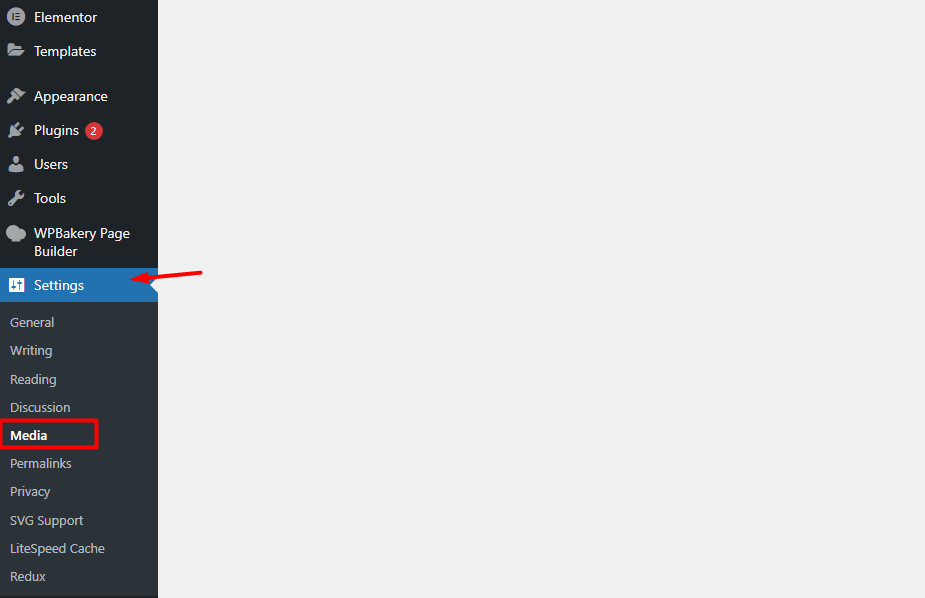
In your WordPress admin panel, go to: Wp-admin – Settings – Media

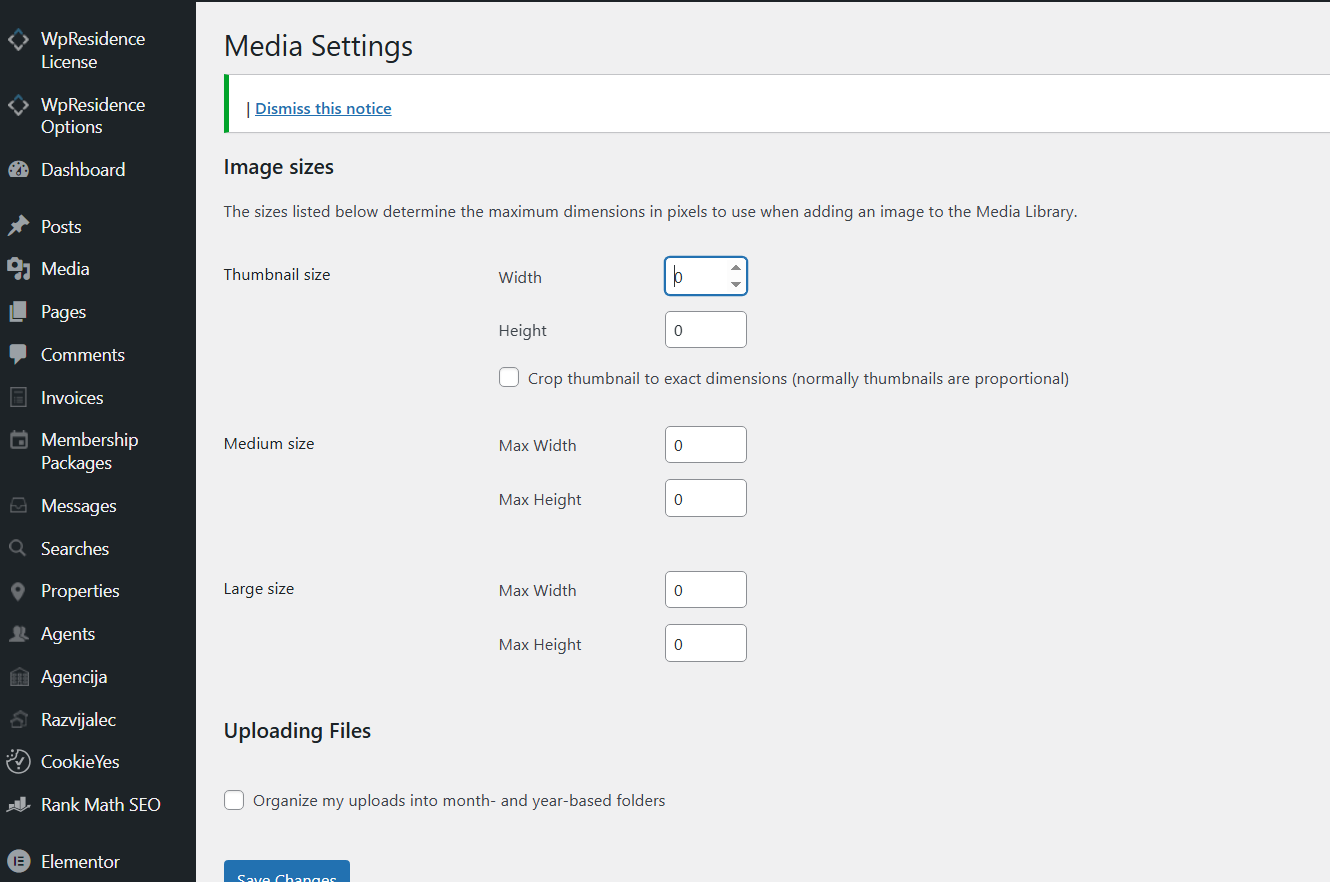
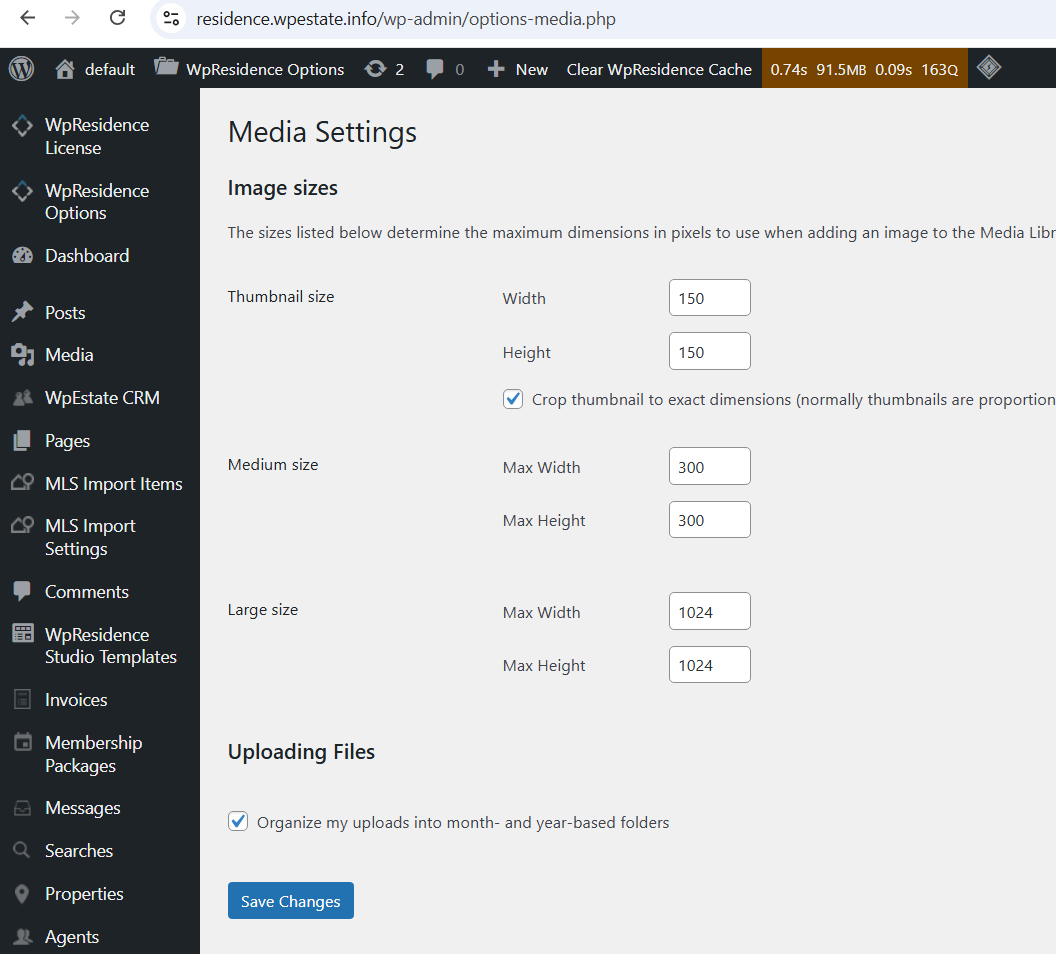
We use the default WordPress thumbnails generated through the Media settings. If these are missing or blank, the thumbnails won’t display properly.

Your settings must follow the default WordPress thumbnail configuration – exactly as in this screenshot

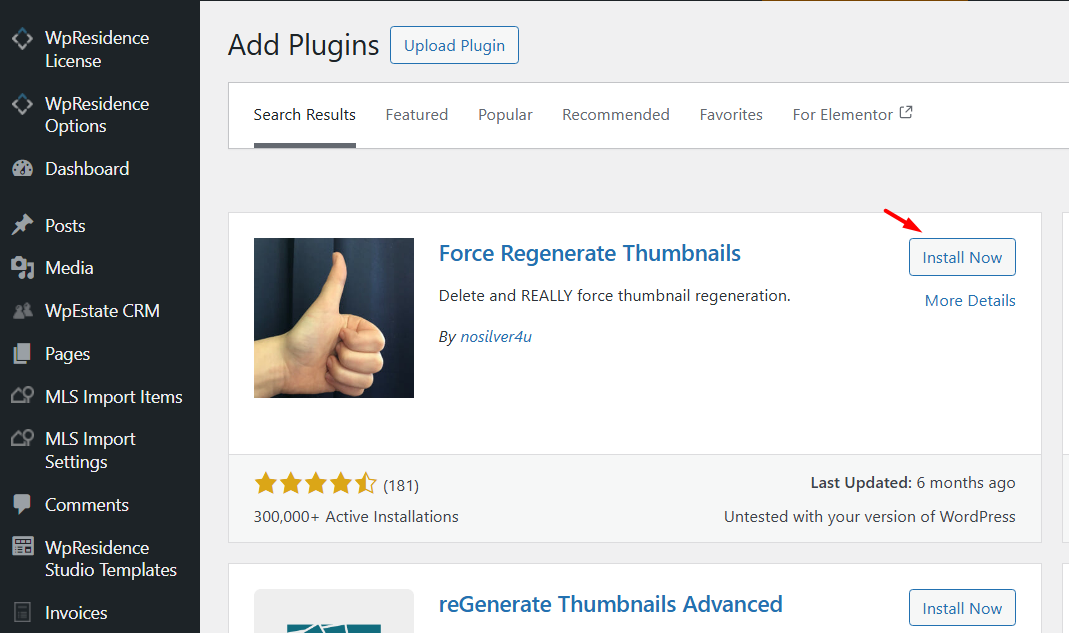
After settings are changed, existing images thumbnails must be regenerated. The easiest is to use Force Regenerate Thumbnails plugin from WordPress Free Plugins repository

08. Property Pages & Layouts

Related Articles

  • Add Booking Forms and Plugin Shortcodes to Property Pages in WPResidence
  • How to create a custom template for each Property Category / Taxonomy with WpResidence Studio and Elementor Free
  • How to manage Theme Options – Property Page Settings
  • Add a different measurement for property lot size

WP Residence Documentation

  • 01. Getting Started
    • How to Get Support
    • Get your buyer license code.
    • Use SSL / https
    • Server / Theme Requirements
  • 02. Installation & Setup
  • 03. Installation FAQ
  • 06. Search & Filtering
    • Advanced Search Display Settings
    • Advanced Search Form
    • Geolocation Search for Half Map
    • Save Search Theme Options
    • Advanced Search Colors
  • 09. Agent, Agency & Developers
  • 08. Property Pages & Layouts
  • 07. Property Lists, Categories & Archive
  • 13. WPResidence Elementor Studio
  • 10. Blog Posts & Blog List
  • 11. Shortcodes
    • Contact Form
    • Featured Agency/Developer
    • Membership Packages
    • Testimonials
    • Google Map with Property Marker
    • Listings per Agent, Agency or Developer
    • Display Categories
    • Agent List
    • Recent Items Slider
    • Recent items
    • List Properties or Articles by ID
    • Featured Agent
    • Featured Article
    • Featured Property
    • Login & Register Form
    • Icon Content Box Shortcode
  • 12. Widgets
  • 04. Theme Options & Global Settings
    • General Settings
    • User Types Settings
    • Appearance
    • Logos & Favicon
    • Header
    • Footer Style and Colors
    • Price & Currency
    • Property Custom Fields
    • Features & Amenities
    • Listing Labels
    • Theme Slider
    • Permalinks
    • Splash Page
    • Social & Contact
    • Map Settings
    • Pin Management
    • How read from file works
    • General Design Settings
    • Custom Colors Settings
    • Header Design & Colors
    • Mobile Menu Colors
    • User Dashboard Colors
    • Print PDF Design
    • Property, Agent, Blog Lists Design Settings
    • Sidebar Widget Design
    • Font management
    • How to add custom CSS
    • Custom Property Card Unit – Beta version
    • Email Management
    • Import & Export theme options
    • reCaptcha settings
    • YELP API Integration
    • iHomefinder Optima Express IDX
    • MEMBERSHIP & PAYMENT Settings
    • Property Submission Page
    • PayPal Setup
    • Stripe Setup
    • Wire Transfer Payment Method
  • 20. Translations & Languages
  • 26. FAQ
  • 10. Pages
  • 11. Header
  • 12. Footer
  • 05. Maps & Location Settings
  • 18. Payments & Monetization
  • Plugins
    • 19. Included Plugins
    • 22. Third Party Plugins – IDX Compatibility
    • 21. Third-Party Plugins – Multi-Language
    • 23. Third party Plugins – Other
  • Technical
    • 24. Technical how to | Custom Code Required
    • 25. Technical: Child Theme

Join Us On

Powered by WP Estate - All Rights Reserved
  • WpEstate
  • How to Build Your Website
  • Video Tutorials
  • Client Support
  • API