
On a multilingual site every list of listings has to match the page language: property archives, search results, map pins, sliders, agent lists and widgets. WPEstate Translate does this on its own. You never add a language option to a shortcode, a search form or a widget.
What Gets Filtered
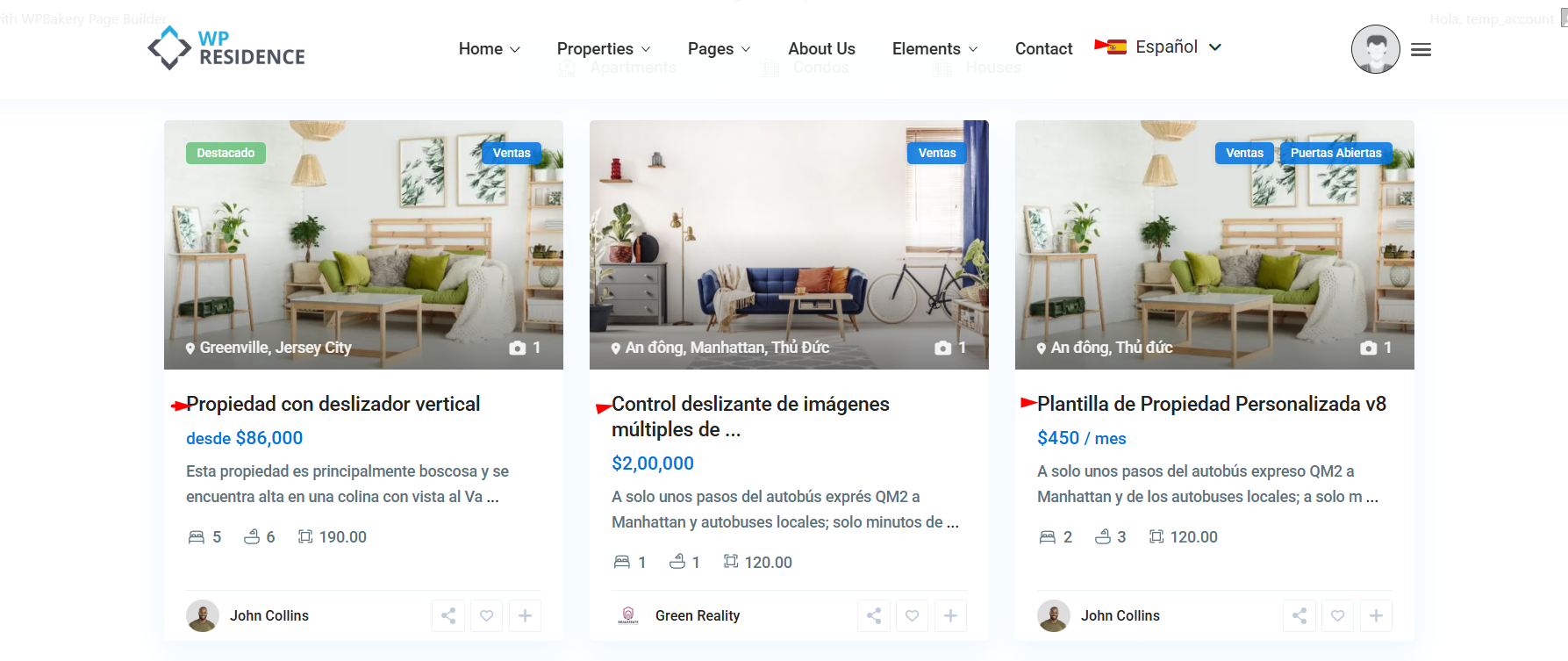
Every list the visitor sees on the front end shows only items in the page language:
- Property archives, category and city pages, search results and the map.
- Featured, recent and related property sliders and Elementor property widgets.
- Agent, agency and developer lists.
- Blog posts and pages.
Which Language Is Used
The page language comes from the URL prefix, for example /br/. Pages without a prefix use the default language. See Language Detection and Redirects.
Two cases have their own rule:
- Search and map requests made in the background send the page language with them, so the results match the page the visitor is on.
- The Elementor editor shows widgets in the language of the page you edit. A Portuguese page shows Portuguese listings while you design it.
Listings Without a Translation
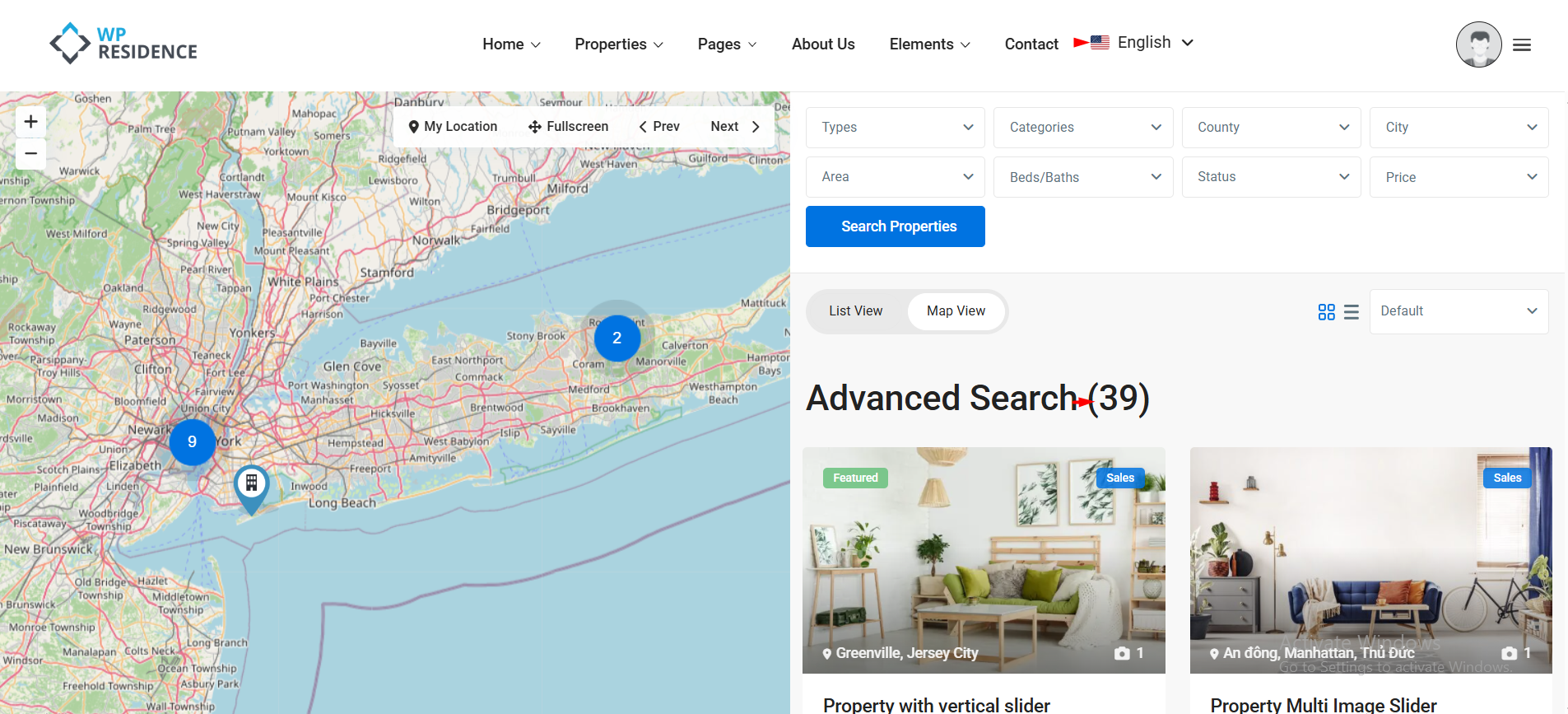
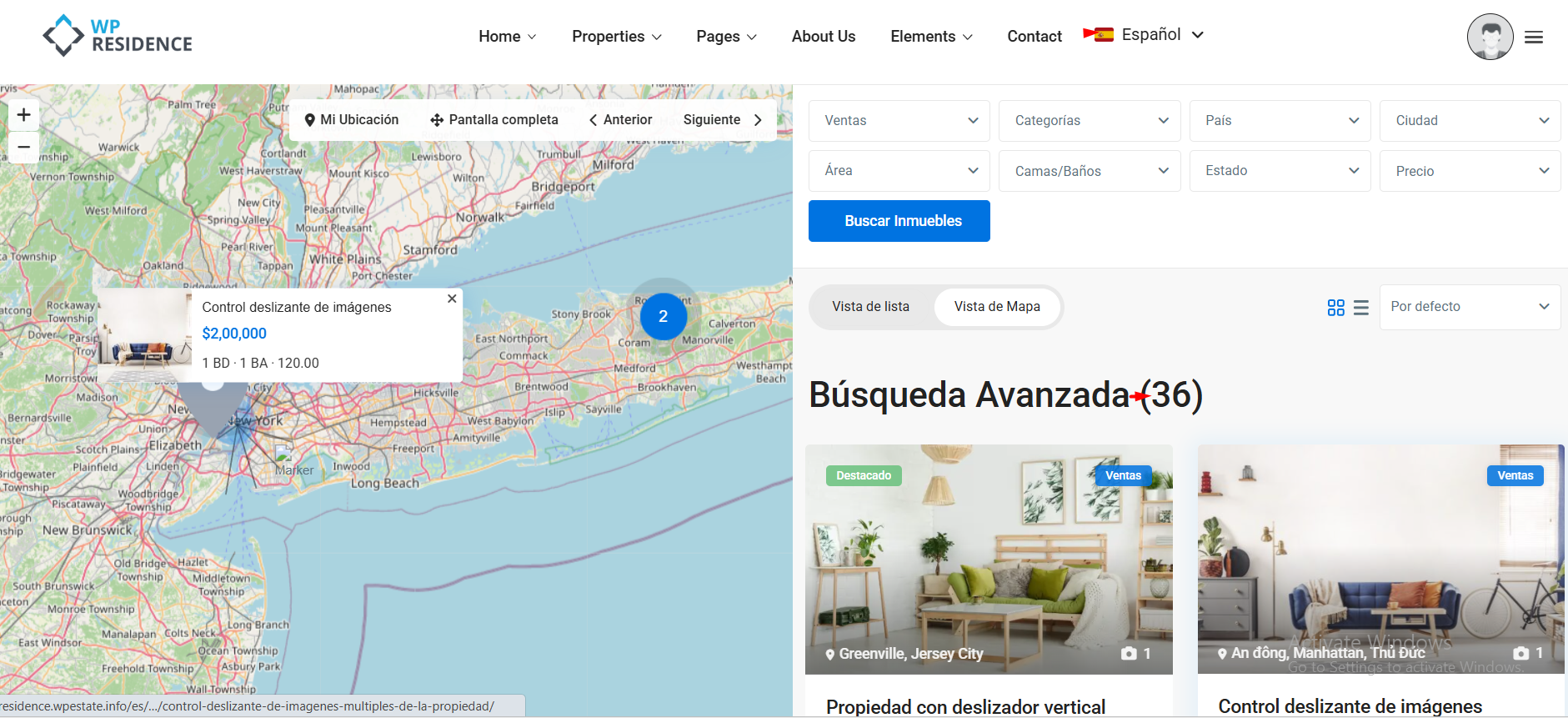
A property that exists only in English is left out of the Portuguese lists, the Portuguese search and the Portuguese map. In the example below the English search finds 39 properties and the Spanish search 36, because three properties have no Spanish version yet.
A direct link to that property still opens it: the visitor sees the original text instead of an error page. To show the property in every list, add its translation. See Translating Posts and Pages.
Search Filters
Categories, cities, areas and other taxonomies. When a visitor filters by a term, the plugin uses that term in the page language. “Lisboa” on the Portuguese search and “Lisbon” on the English search find the same linked properties. Terms need their own translation: see Taxonomy Translation.
Price, rooms, size and custom fields. These values are copied to every translation, so a price range returns the same properties in every language. See Meta Sync Across Language Variants.
Agent, agency and developer filters work in every language, because the plugin matches the original profile with its translations.
What Is Not Filtered
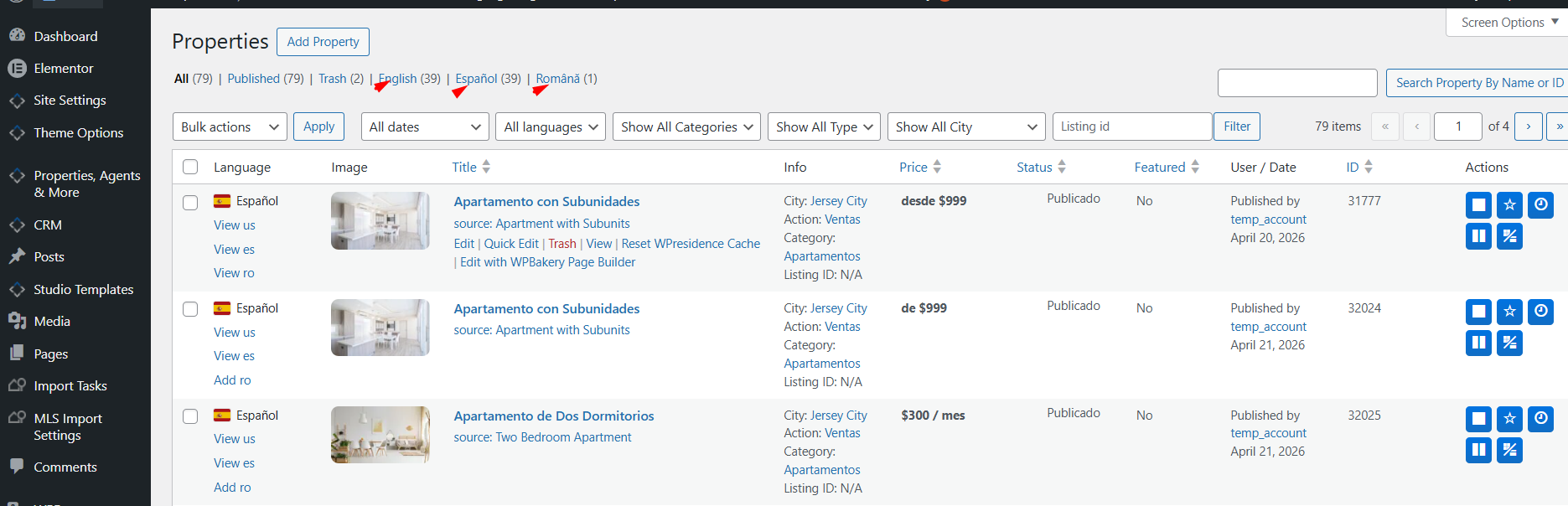
- wp-admin lists. Editors can see every language. Use the language links above the list or Content language in the admin bar to narrow them.
- Bookings, invoices, messages and saved searches. They belong to a user, not to a language.
- Elementor templates and menu items. Templates are translated from the template screen, menus through menu translation.
- REST API requests and scheduled tasks.
A List Shows the Wrong Language
| What you see | Why | What to do |
|---|---|---|
| A Portuguese list shows a property with an English title. | The translation was created but the text was not changed. | Open the Portuguese version and translate the title and description. |
| A property is missing from the Portuguese list. | It has no Portuguese version. | In Properties, click Add br in the Language column. |
| A category or city filter finds nothing in one language. | The term has no translation. | Translate the term, or turn on Automatically duplicate missing translations in WPEstate Translate > Taxonomy Translation. |
| An Elementor widget lists items from another language. | The widget points to an item picked in the original language. | See Shortcode and Widget ID Remapping. |
The full guide: Multi Languages with WPEstate Translate.