Running a multi-language real estate website multiplies the work your server does on every page — search dropdowns, property grids, menus, and widget content all need to be resolved per language. The WPResidence Translate plugin is built around that reality. It layers caches and transients on top of its database tables so that, once warm, a language switch does not mean a pile of fresh database queries. This article explains what is cached, how long for, and which buttons you press when something looks stale.
What the Plugin Caches (and Why)
WPResidence Translate uses three layers of cache, each for a different kind of data:
- Per-request memory cache. Inside a single page load, repeated string lookups (e.g. the same button label rendered 30 times in a listing grid) are resolved once and remembered. This happens automatically — you never see it.
- Object cache. If your site uses an object cache (Redis, Memcached, or the built-in one), the Custom Field Rules are stored there under the
wpr_translatecache group so they survive across page loads. - Transients. The heavy per-language dropdown lists (property actions, categories, cities, areas, counties, statuses, features) are cached as WordPress transients, one transient per language. The theme reads from them instead of rebuilding the list on every request.
Per-Language Transients
The WPResidence theme caches its big taxonomy dropdown lists for performance. In a multilingual site, each language needs its own version — the French property categories are not the same rows as the English ones. WPResidence Translate automatically appends the active language to the transient name, so the theme stores one cached list per language.
This is the mechanism behind the cached lists for:
- Actions (For Sale, For Rent, etc.)
- Categories (Apartment, House, Villa, etc.)
- Cities, Areas, Counties/States
- Statuses
- Features
When Cache Is Automatically Cleared
You almost never need to clear caches by hand. The plugin does it for you in the situations that matter:
| When you do this… | …the plugin does this |
|---|---|
| Save or edit a translated theme string | Clears the transients for every language, so the cached dropdowns pick up the new wording. |
| Finish a bulk automatic translation job | Calls the WPResidence cache-purge endpoint to flush template caches. |
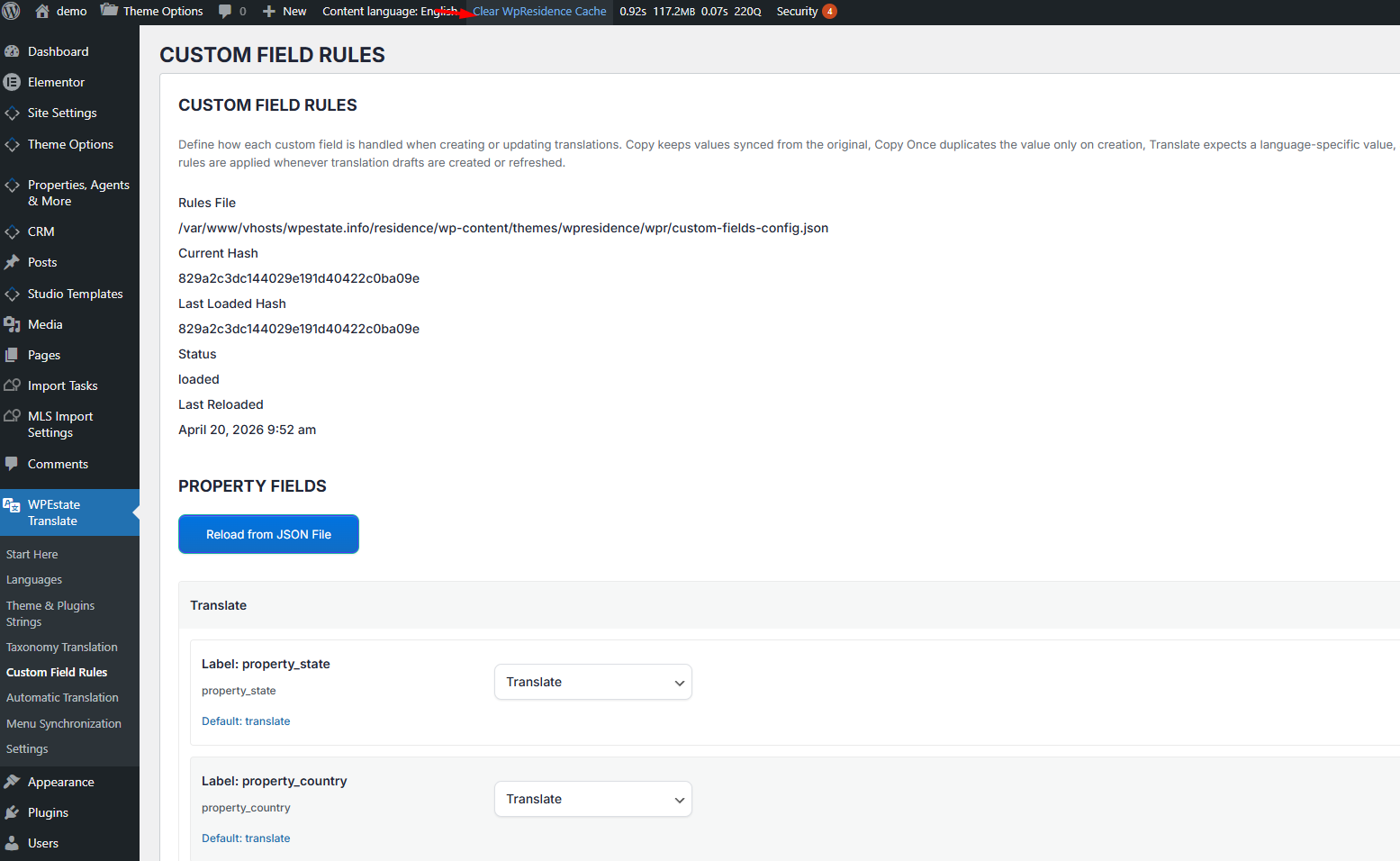
| Update a custom field rule | Reloads the rules and refreshes the object cache entry under the wpr_translate group. |
| Re-scan theme strings or export MO files | Marks affected rows as processed and clears runtime string caches on the next request. |
Manual Tools (When You Really Need Them)
The plugin provides two admin-side tools for manual cleanup. Use them when you have migrated data, imported a huge batch of listings from another site, or simply want a known-clean state:
- Cache Purge (from Automatic Translation). Triggers the WPResidence theme cache-purge action via an AJAX endpoint. It is the same action as the theme’s own purge button — so after a large auto-translate run, the site-wide template cache is refreshed.
- Reset Settings / Delete Translations. Not cache tools per se, but they clear stale mappings that could otherwise make cached data look wrong. Use with care.
Staying Fast at Scale
A few habits keep a multilingual WPResidence site snappy as it grows:
- Use a persistent object cache. Redis or Memcached dramatically improve performance for sites with many languages and thousands of listings. The plugin’s
wpr_translatecache group plugs into whatever object cache is active. - Warm the transients after a bulk edit. After a big import or bulk translation, visit one front-end page per language as an admin. The first visit rebuilds the transients; subsequent visits are fast.
- Avoid manual transient deletion. Do not delete
wp_optionsrows matching_transient_wpestate_*by hand while visitors are browsing — the plugin will rebuild them on the next request, but you lose the warm state. - Let the plugin manage language suffixes. All caches are scoped per language automatically. Custom code that rolls its own cache keys should use
wpestate_set_transient_name_multilang()so it participates in the same invalidation story. - Keep auto-translation on. The Translation Memory table reuses previously translated sentences. Turning it off means paying for (and waiting for) the same translations repeatedly.
Non-Latin Caches Stay Intact
The plugin caches use UTF-8-safe keys (language codes processed through sanitize_key(), not sanitize_title()). Cyrillic, Arabic, Chinese, and other non-Latin languages share the same fast cache path as Latin ones. You do not need to disable caching to support them.
What To Read Next
- Cache Purge & Reset Tools — the exact admin buttons and what they wipe.
- Database Schema — the six tables the caches sit on top of.
- Automatic Translation — where the Translation Memory is populated.
For a product-level view of a multi-language real estate website built on WPResidence, see our main guide.