WP Residence Help WP Residence Help

Home / 7. Properties List / How to enable Zillow Card Modal for Property Unit

How to enable Zillow Card Modal for Property Unit

4150 views 0

Before reading this help file you may want to check this video. It explains theme functionality and may be easier to understand. Watch Video on Youtube

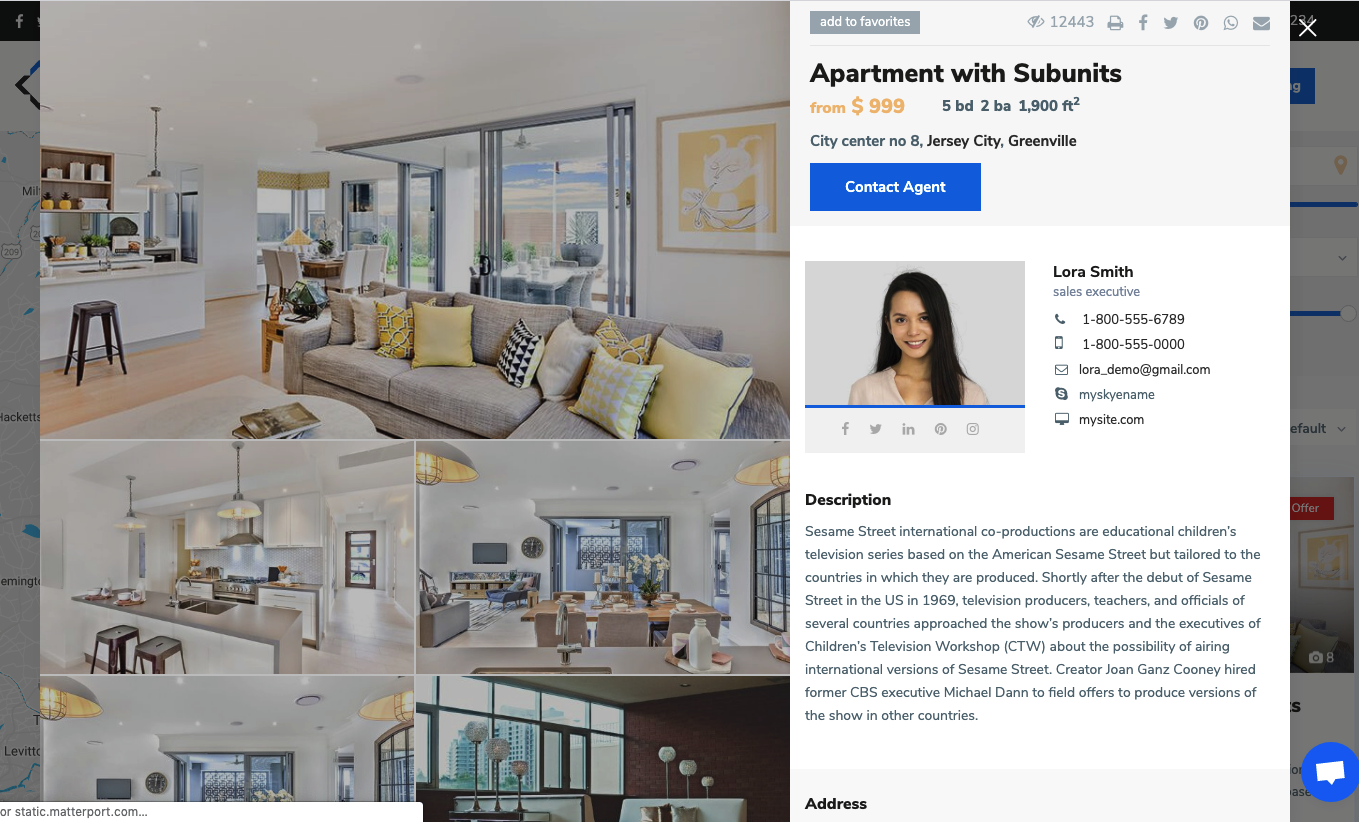
To enable this option you must navigate to Theme Options > Design > Property, Agent, Blog Lists Design and setup yes to Click and open Property Modal Window – Zillow style option.


The option will apply in lists (Properties List, Search Results)
Tip: If you have theme cache enabled, make sure you clear cache to see instant results.
7. Properties List

Related Articles

  • How to manage Sold properties in WP Residence Theme
  • How to manage Property order in Lists
  • Properties List – Standard Style
  • How to open link to property page in new window

WP Residence Documentation

Join Us On

Powered by WP Estate - All Rights Reserved