
You can use Snazzy Maps to change the design/colors of Google Maps in WPResidence.
Important: Snazzy Maps works only with Google Maps. It does not work with OpenStreetMap.
How to add a Snazzy Maps style
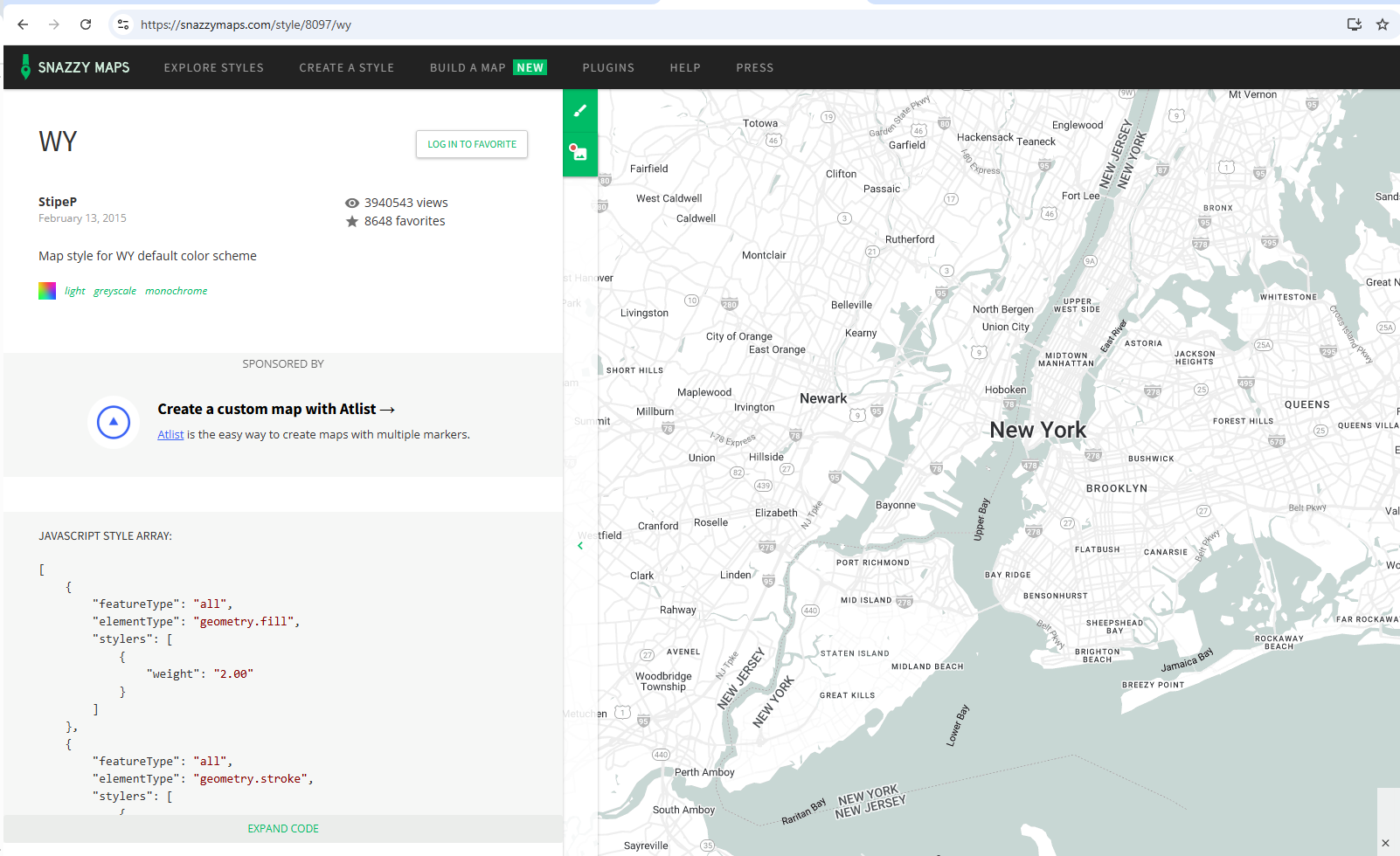
Step 1: Go to https://snazzymaps.com/ and choose the map style you want to use.
Copy the style code.
Step 2: Go to:
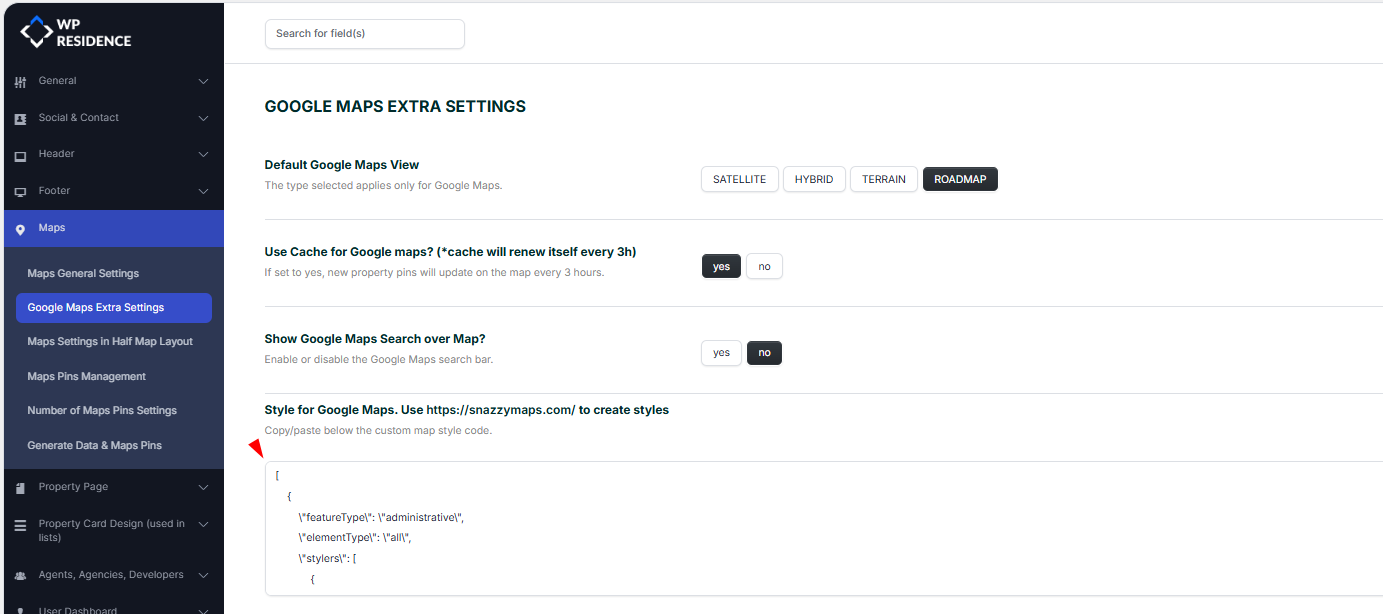
Theme Options > Map > Google Maps Extra Settings
Paste the code in:
Style for Google Map
Save changes.
Important notes
- This option changes only the Google Maps style/colors.
- It does not change map pins or property locations.
- If the style does not show, clear cache and check that Google Maps is selected as the map provider.