
You can ask new users to confirm their email address before they can log in. After they register, WPResidence sends them an email with a confirmation link. The account starts working only after they click that link.
Turn on email confirmation
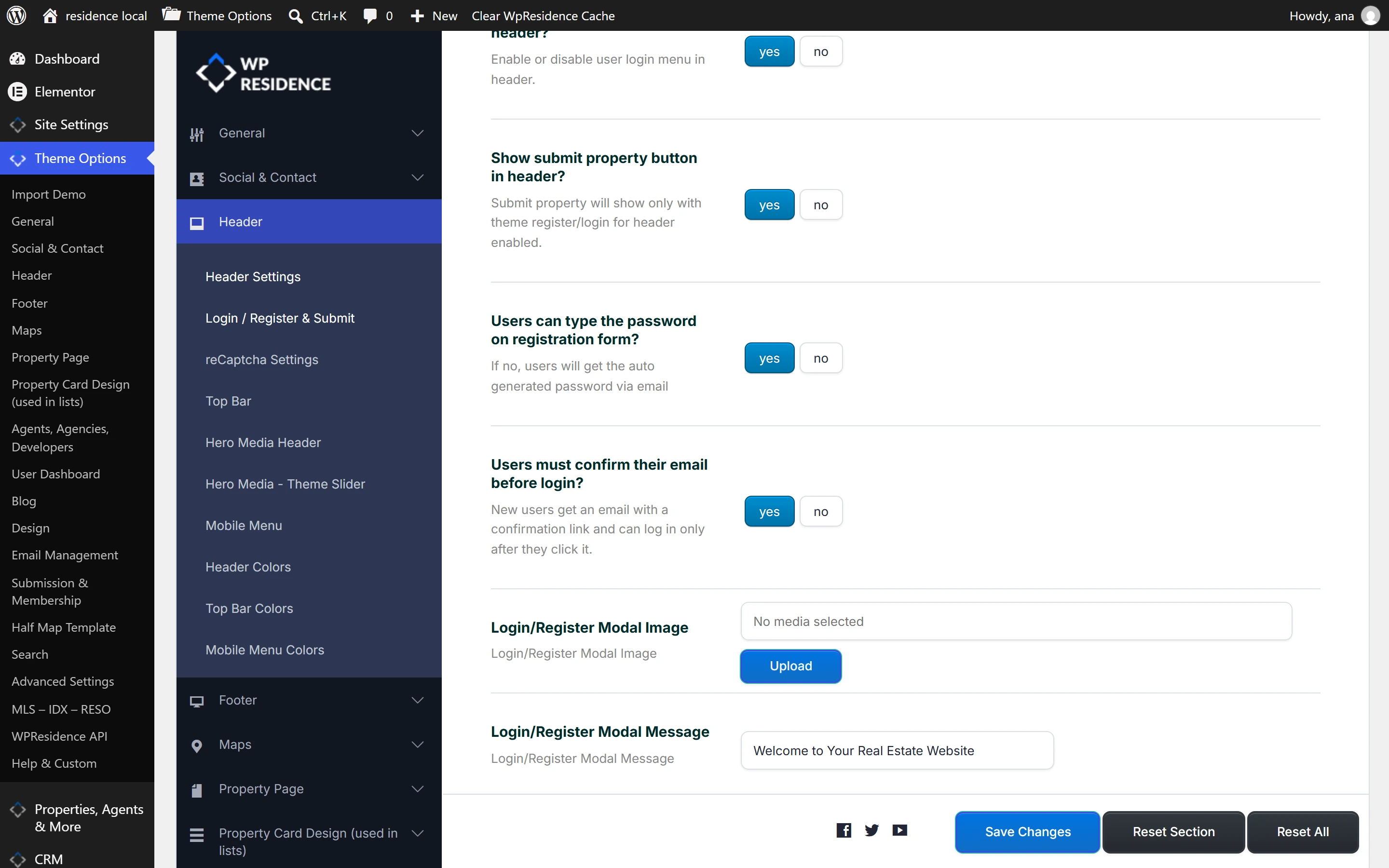
- Go to Theme Options > Header > Login / Register & Submit.
- Set Users can type the password on registration form? to yes. Email confirmation works only when users choose their own password on the register form.
- Set Users must confirm their email before login? to yes. It is set to no by default.
- Click Save Changes. If you just updated the theme, save Theme Options once. Until you do, the confirmation email has no text and is not sent.
Edit the confirmation email
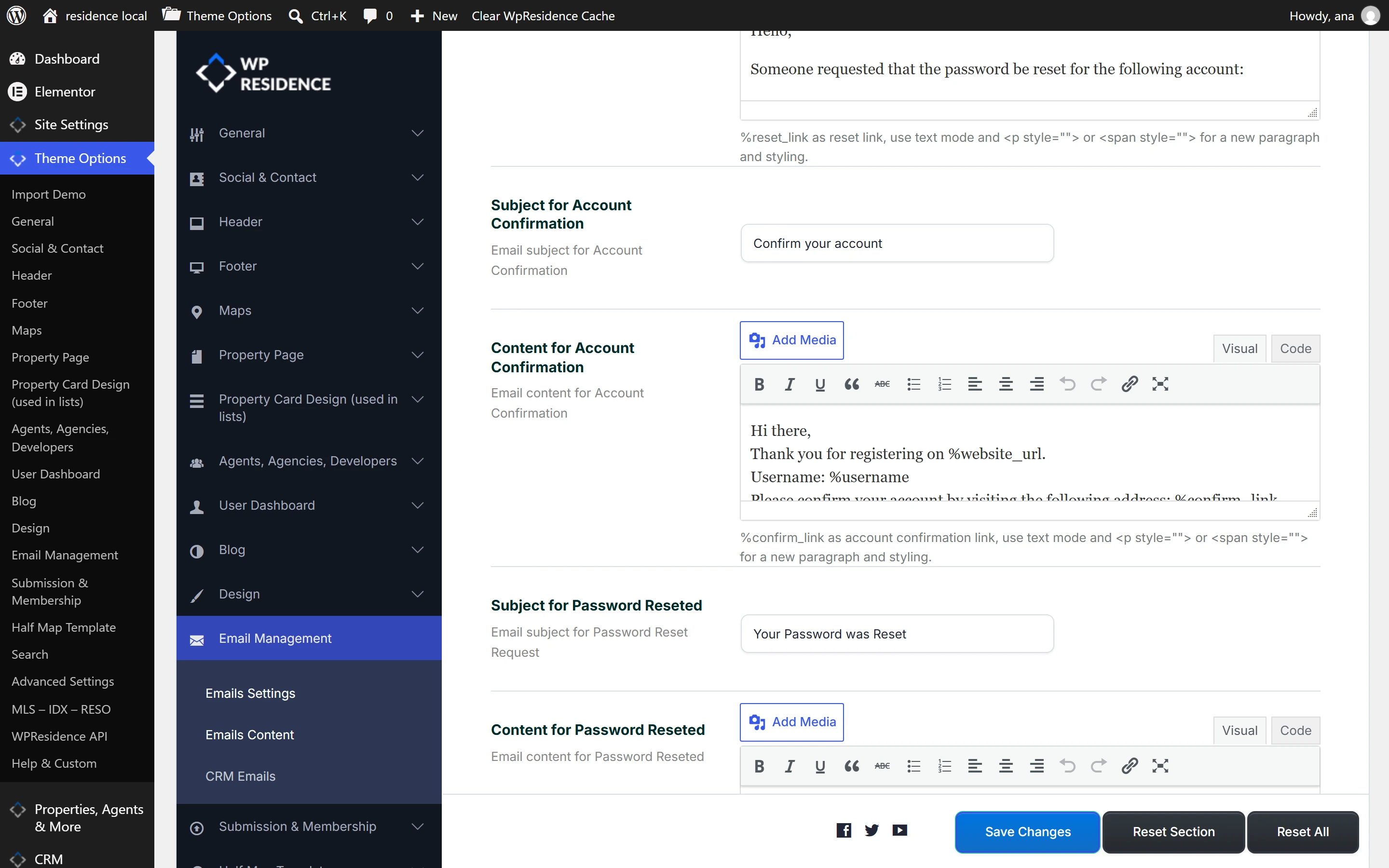
Go to Theme Options > Email Management > Emails Content and find Subject for Account Confirmation and Content for Account Confirmation. Both come with ready-made text that you can change.
Keep %confirm_link in the content. It is replaced by the user’s confirmation link. You can also use %username, %website_url and the other placeholders that work in WPResidence emails.
What the user sees
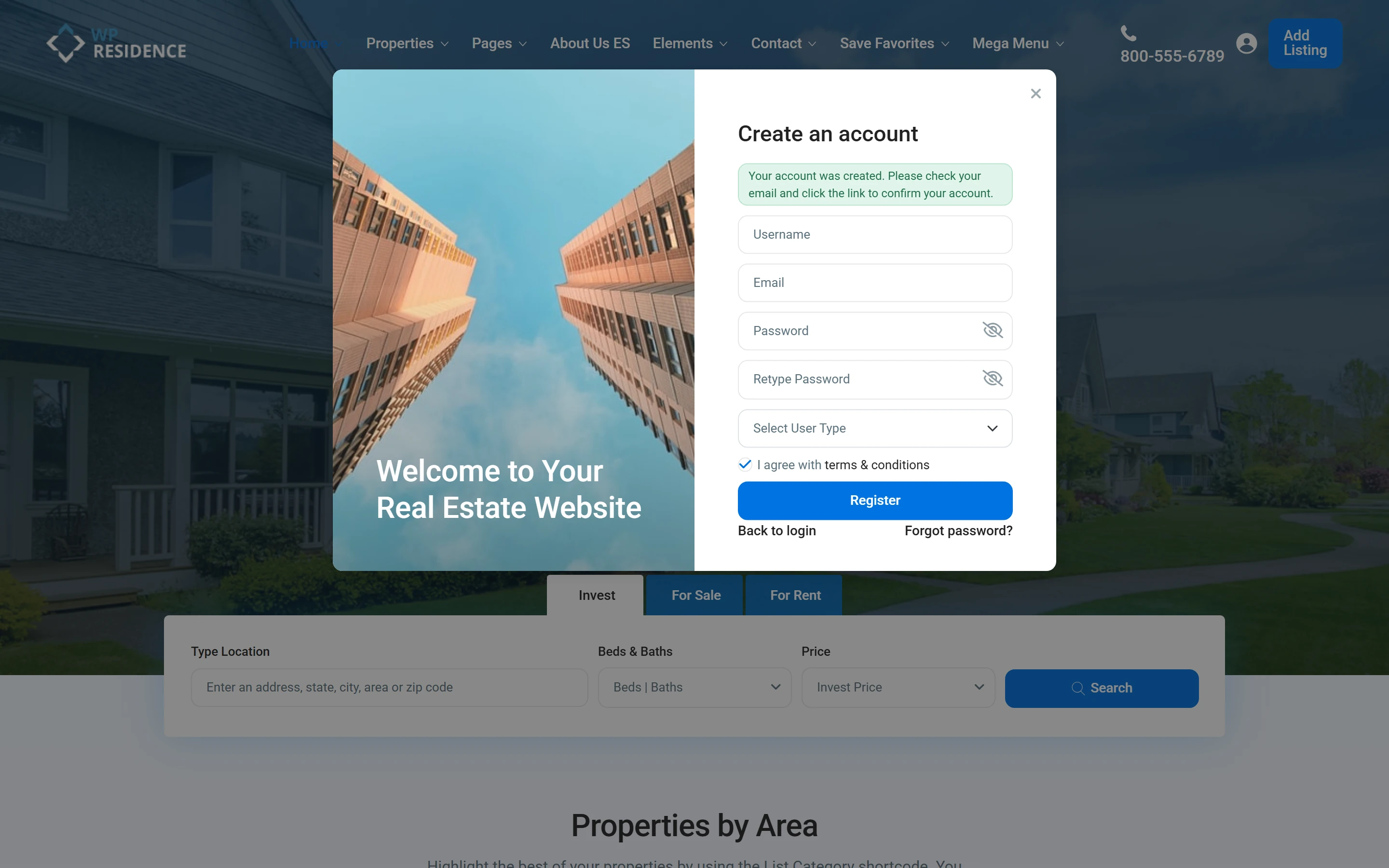
1. After registering, the user sees: Your account was created. Please check your email and click the link to confirm your account.
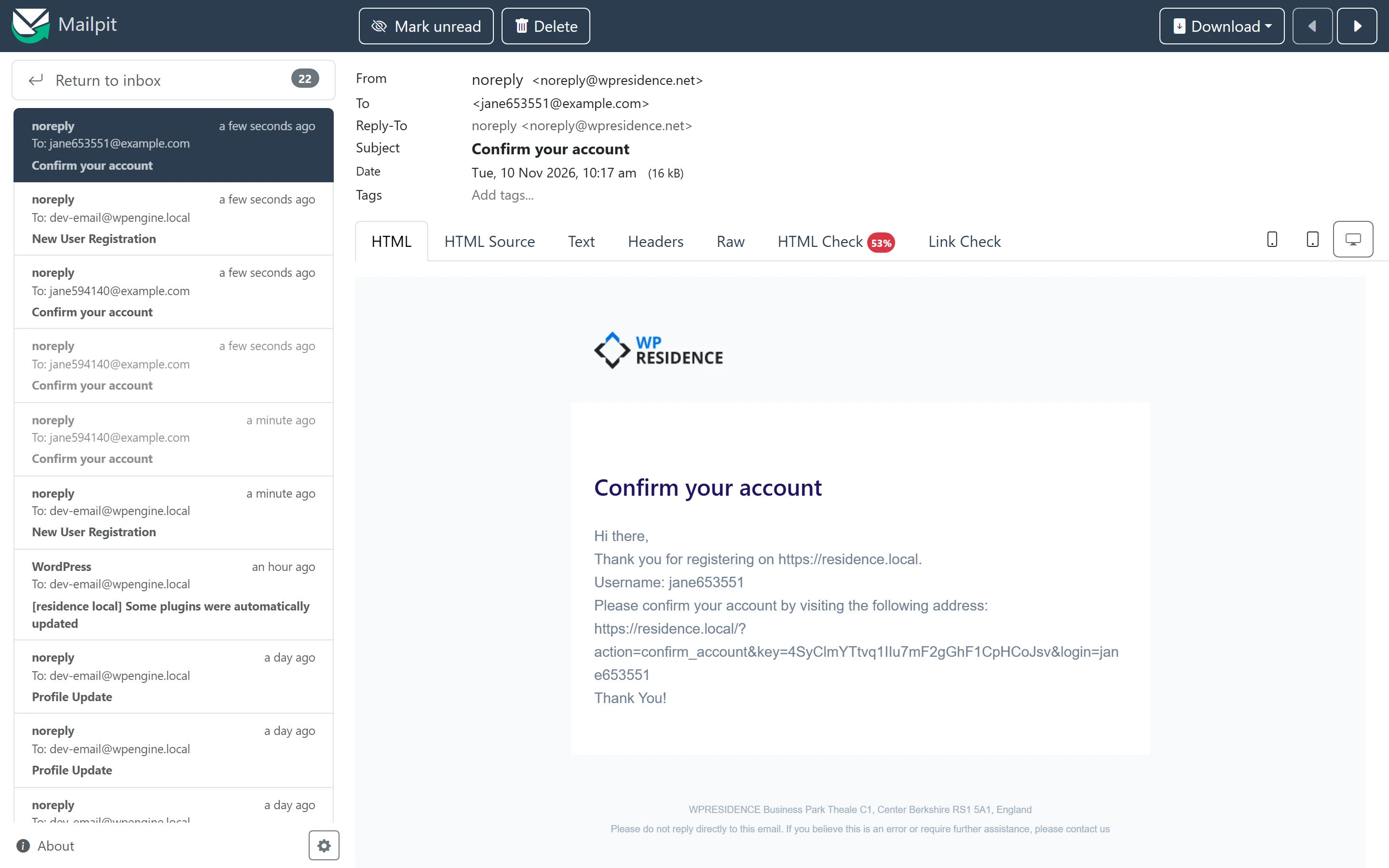
2. The user receives the confirmation email. It replaces the usual new user email that has the account details. The admin still gets the New User Registration email.
3. If the user tries to log in before confirming, the login is refused and the same link is emailed again. This also happens on wp-login.php. A wrong password shows the usual error and sends no email.
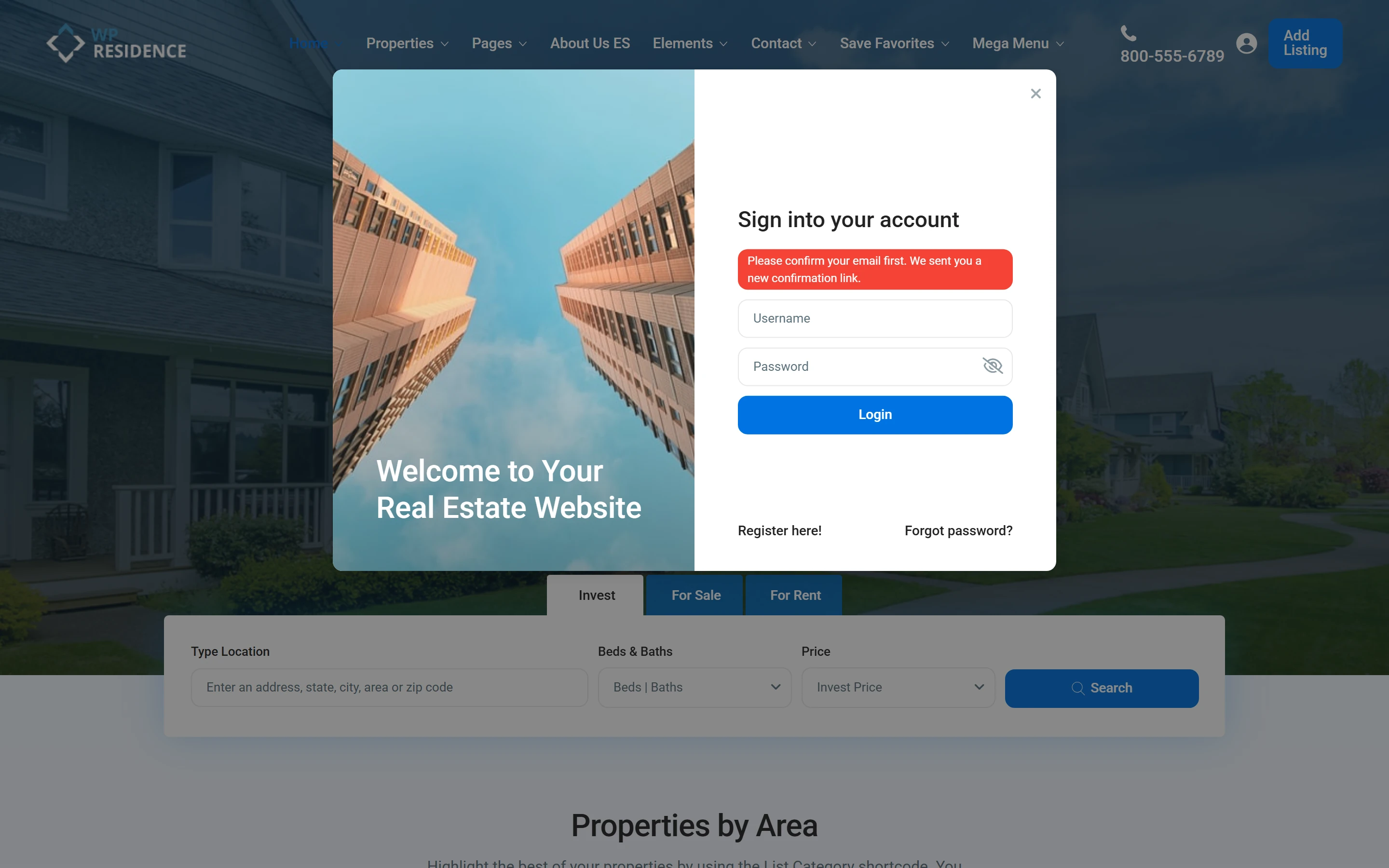
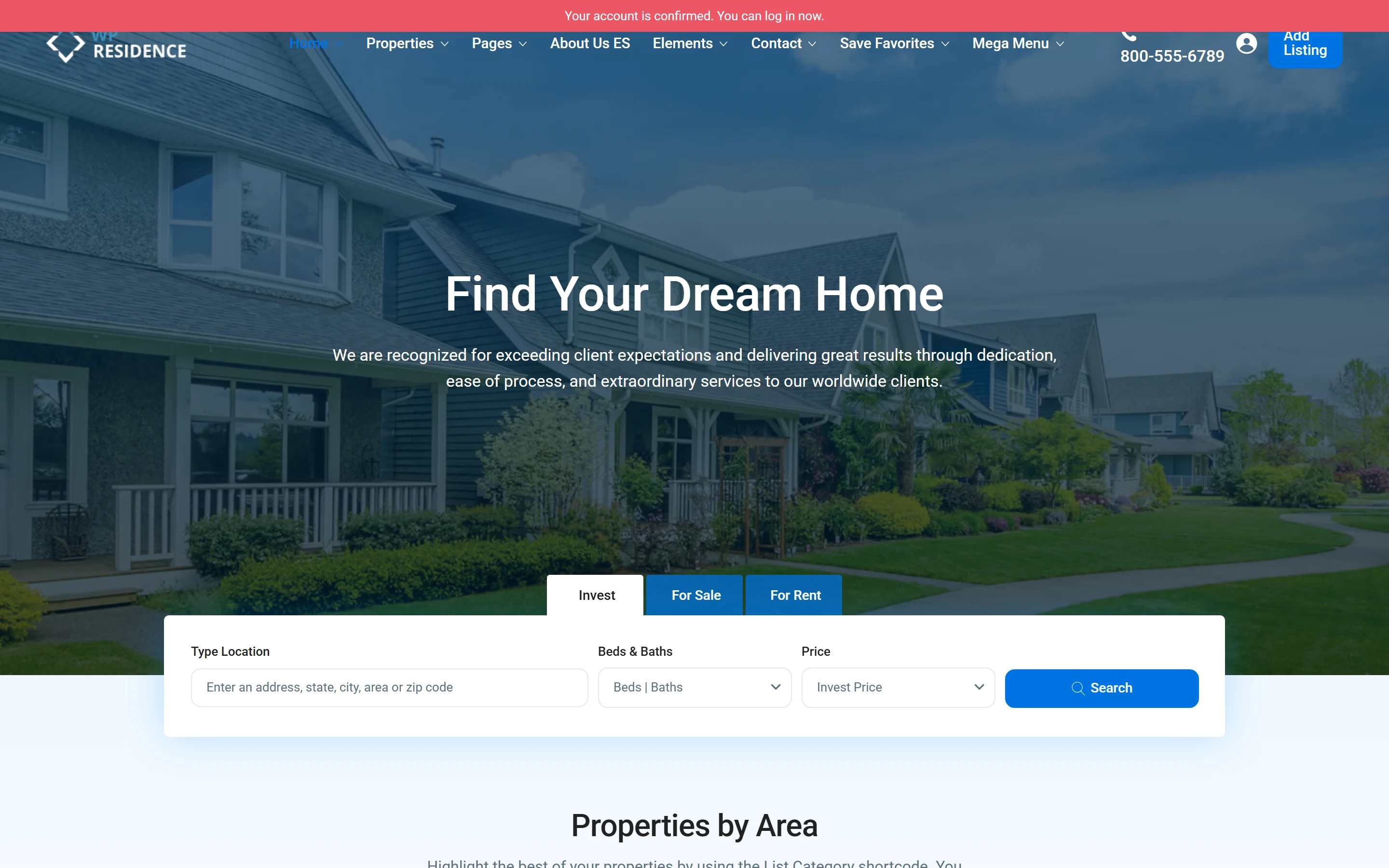
4. When the user clicks the link, the site opens with a message at the top and the user can log in.
| When | Message |
|---|---|
| After registering | Your account was created. Please check your email and click the link to confirm your account. |
| Login before confirming, right password | Please confirm your email first. We sent you a new confirmation link. |
| Login with a wrong password | Wrong username or password! |
| Link opened | Your account is confirmed. You can log in now. |
| Link already used or wrong | This confirmation link is not valid or was already used. |
Users who do not need to confirm
Only users who register through the WPResidence register form after you turn this on must confirm. These users log in as before: existing users, users you add in Users > Add New, and users who log in with a social account.
For the other login and register settings, see Login & Register.