
WordPress turns an address like example.com/es/properties/modern-loft/ into a page through its rewrite rules. WPEstate Translate adds one rule for each language that has a prefix, so WordPress knows that /es/ means Spanish and reads the rest of the address as usual. This article explains when those rules are refreshed and how to fix a 404 on a language address.
What the Plugin Adds
- One rule per language prefix. With English as default and Spanish and French as extra languages, the plugin adds a rule for /es/ and one for /fr/. The default language has no prefix and uses the normal WordPress rules.
- The rules run first. They are placed at the top of the WordPress list, before the rules of other plugins.
- Two internal values. The rules pass the language and the rest of the address to WordPress as wpr_lang and wpr_lang_path. They never show in your addresses, so do not type them in menus or links.
Only languages with Enabled and Visible ticked in WPEstate Translate > Languages get a rule.
When the Rules Are Refreshed
| What you do | Refresh |
|---|---|
| Activate WPEstate Translate | Automatic |
| Add, remove, enable or hide a language, or change the URL bases per post type, then click Save languages | Automatic |
| Change the property, agent, agency or developer names in Theme Options > General > Property, Agent, Agency, Developer Links Names | Save Settings > Permalinks |
| Restore a backup or move the site to a new domain | Save Settings > Permalinks |
| Publish or edit a translation | Not needed |
Refresh the Rules by Hand
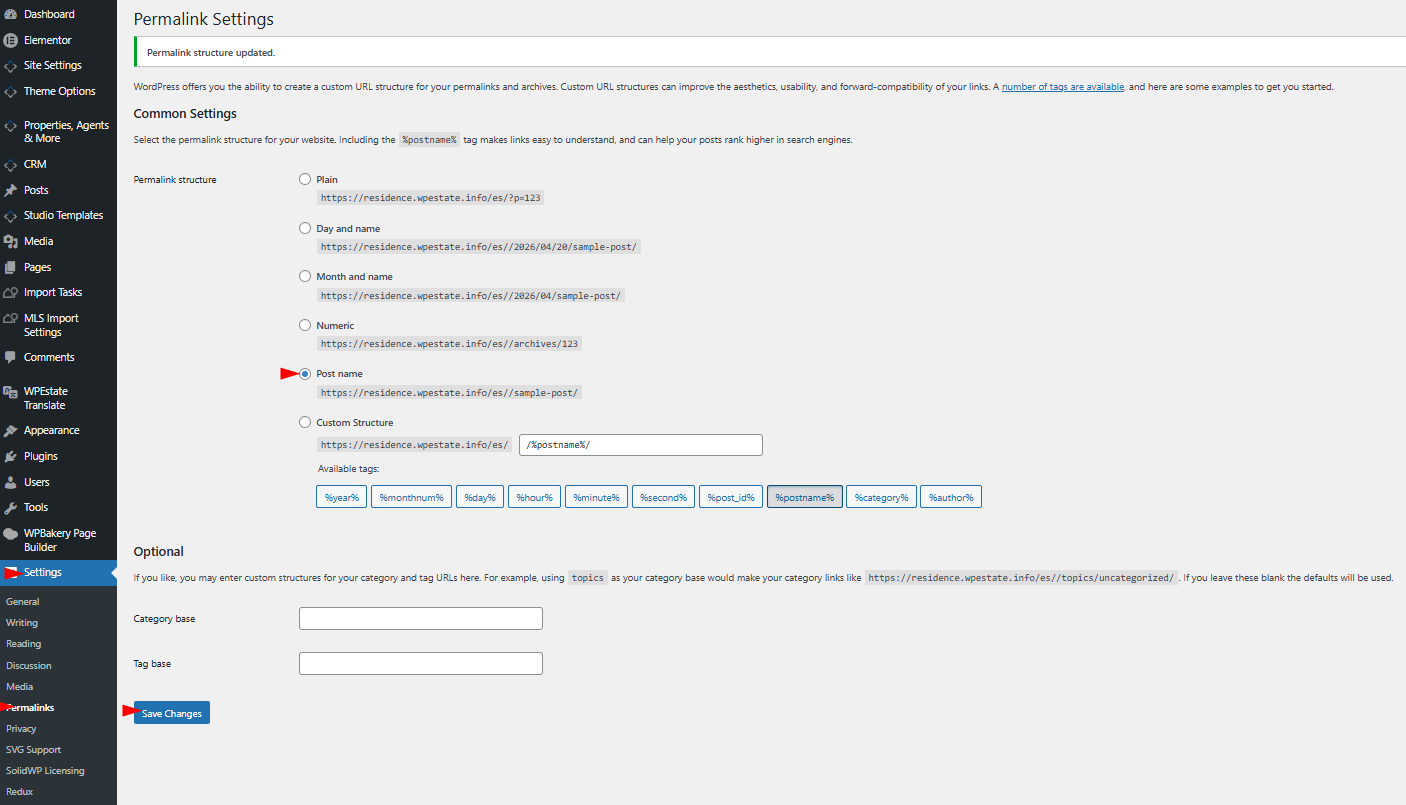
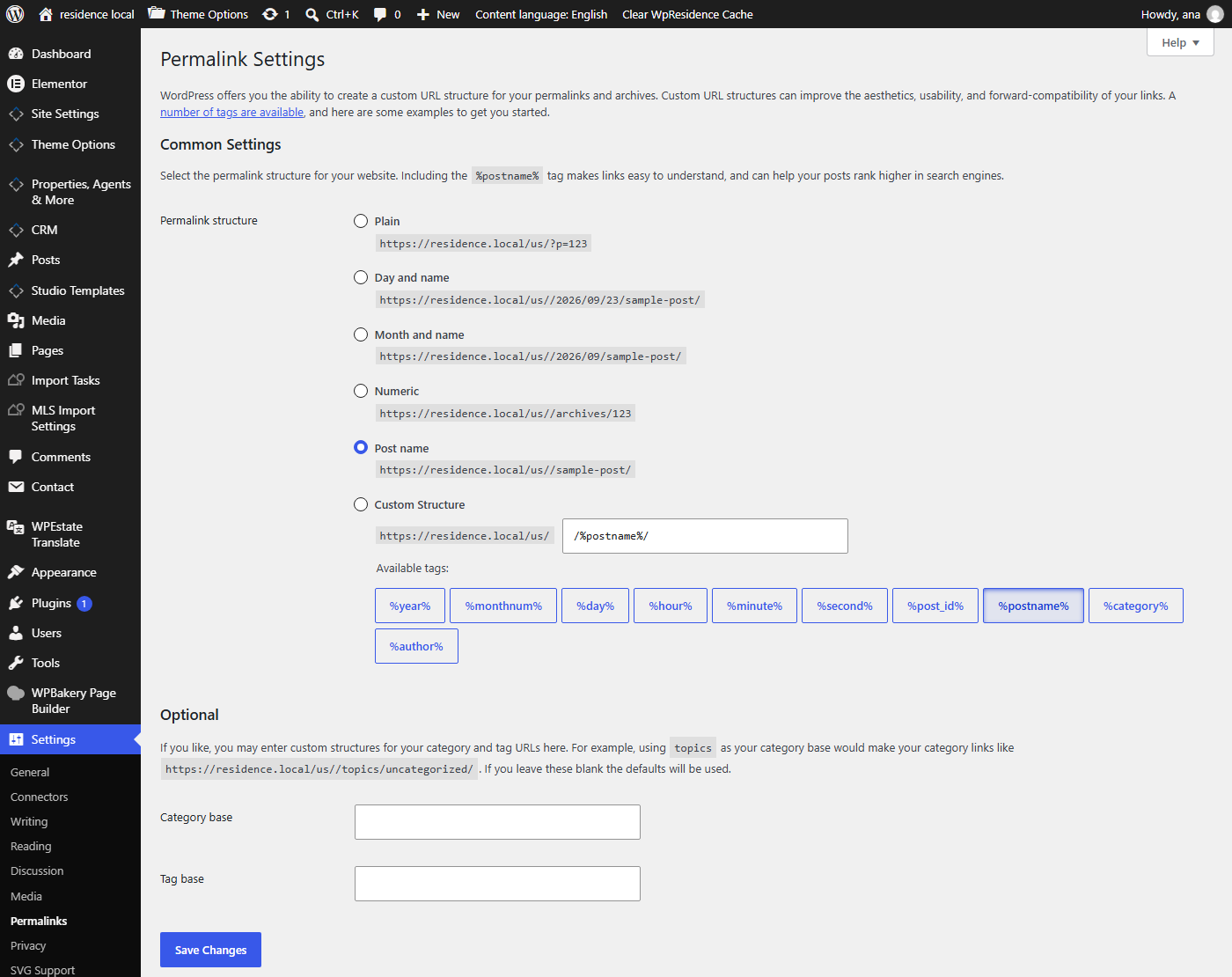
- Go to Settings > Permalinks.
- Click Save Changes without changing anything.
- Clear your cache plugin and CDN, if you use one, so old 404 pages are not served from the cache.
Permalink Setting
Language prefixes need pretty permalinks. In Settings > Permalinks choose any option except Plain. Post name is the usual choice for a real estate site.

Fix a 404 on a Language Address
| What you see | What to do |
|---|---|
| A 404 on /fr/ after adding French | Check that French is Enabled and Visible, then save Settings > Permalinks. |
| A 404 on a translated property | Check that the translation is published, then save Settings > Permalinks. |
| A 404 after changing a URL name | Save Settings > Permalinks. |
| The 404 stays after the fix | Clear the cache plugin, the CDN and the browser cache. |
More: URL Structure and Permalinks, Language Detection and Redirects and, for developers, Rewrite Rules and Query Vars (Developer).