
What this setting controls
Admin can set the maximum number of images users can upload for each property listing from the frontend submission form.
The setting depends on the submission mode used on the website:
- Free submission
- Membership submission with free membership
- Membership submission with paid membership packages
- Paid submission per listing
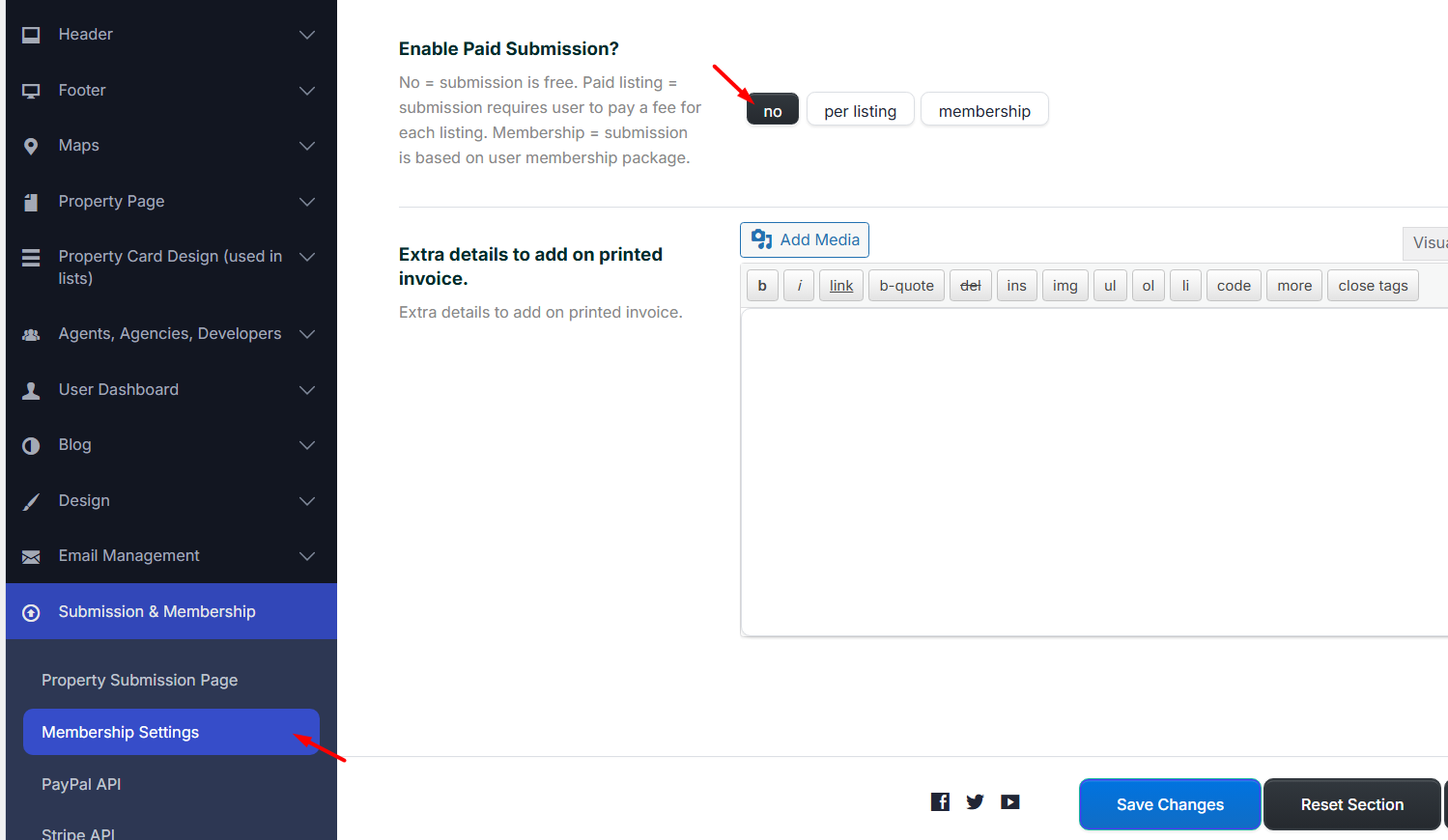
The image limit is not managed from one single place for all submission modes. The correct setting depends on the payment/submission system enabled in Theme Options > Submission & Membership.
Free submission
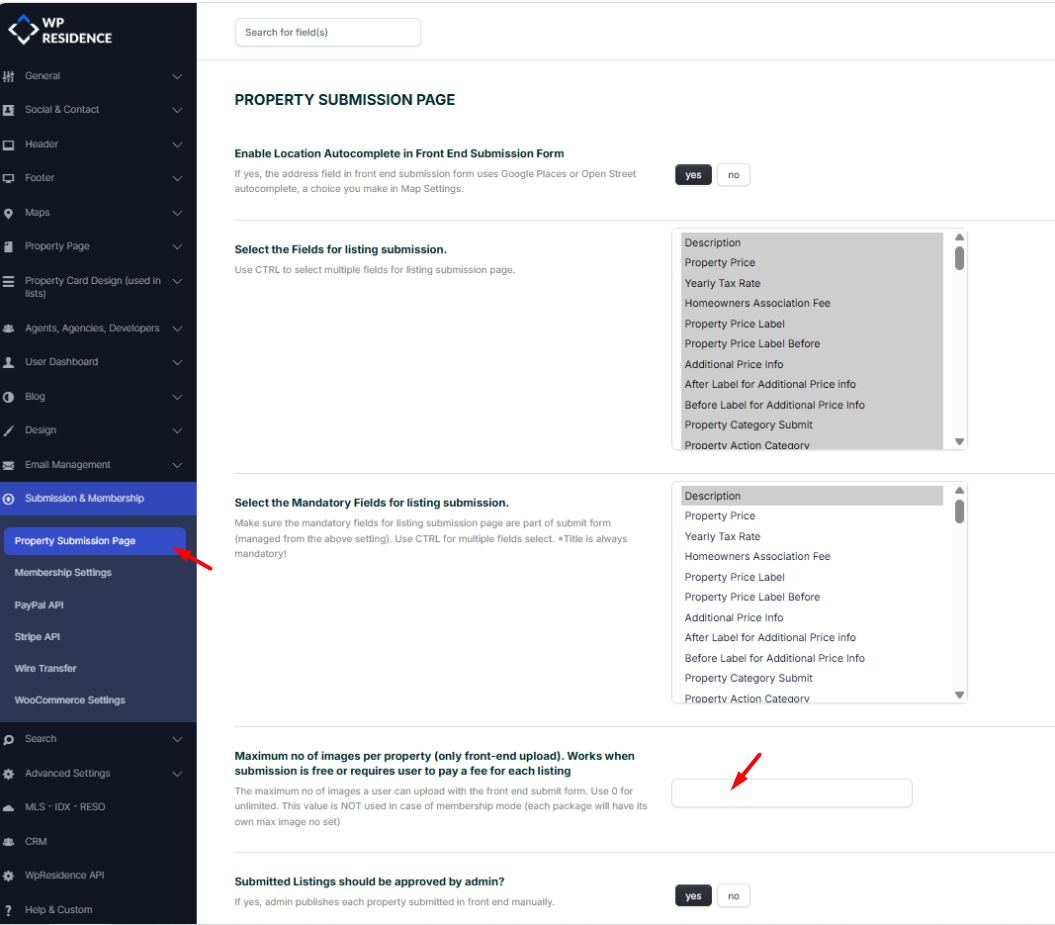
If the website uses free submission, the image limit is managed from:
Theme Options > Submission & Membership > Property Submission Page > Maximum number of images per property
This value controls how many images users can upload for each property from the frontend submission form.
Membership submission
If the website uses membership submission, the image limit depends on the type of membership available to the user.
There are two cases:
- Free membership
- Paid membership packages
Help article about membership submission
Free membership
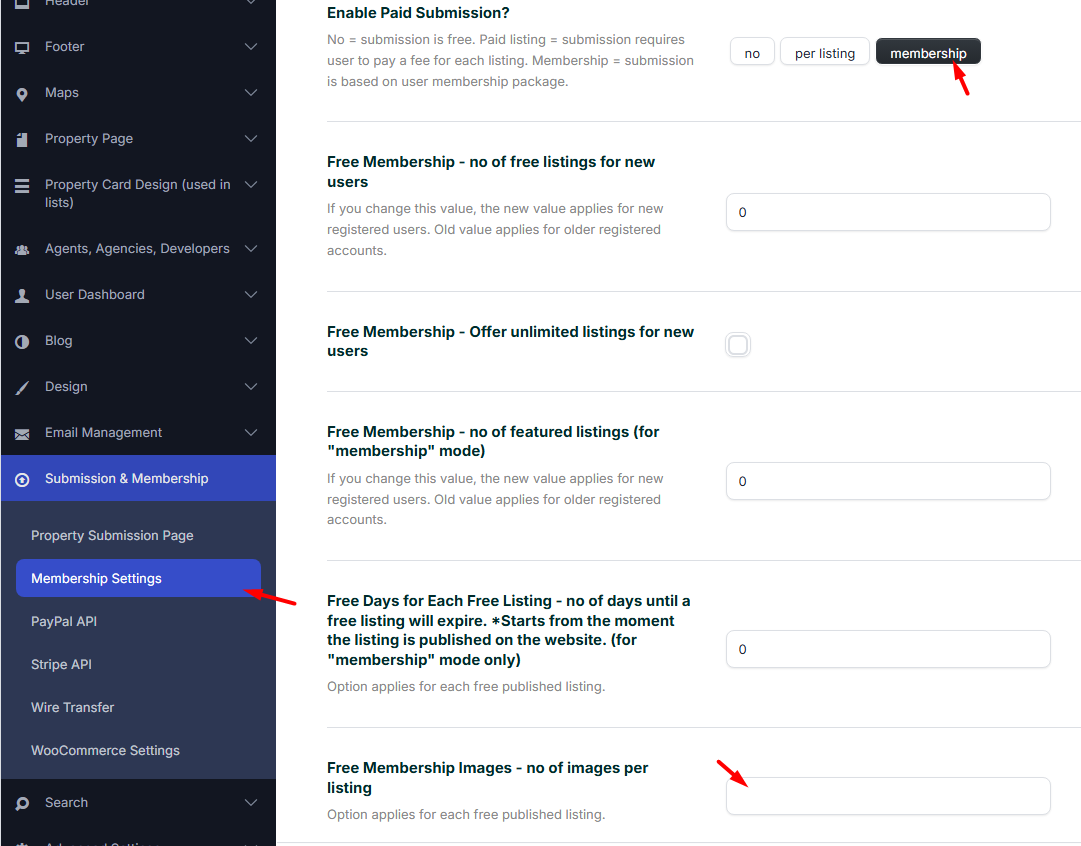
For free membership, set the number of allowed images from:
Theme Options > Submission & Membership > Membership Settings > Membership > Free Membership Images
This value controls how many images are included in the free membership package.
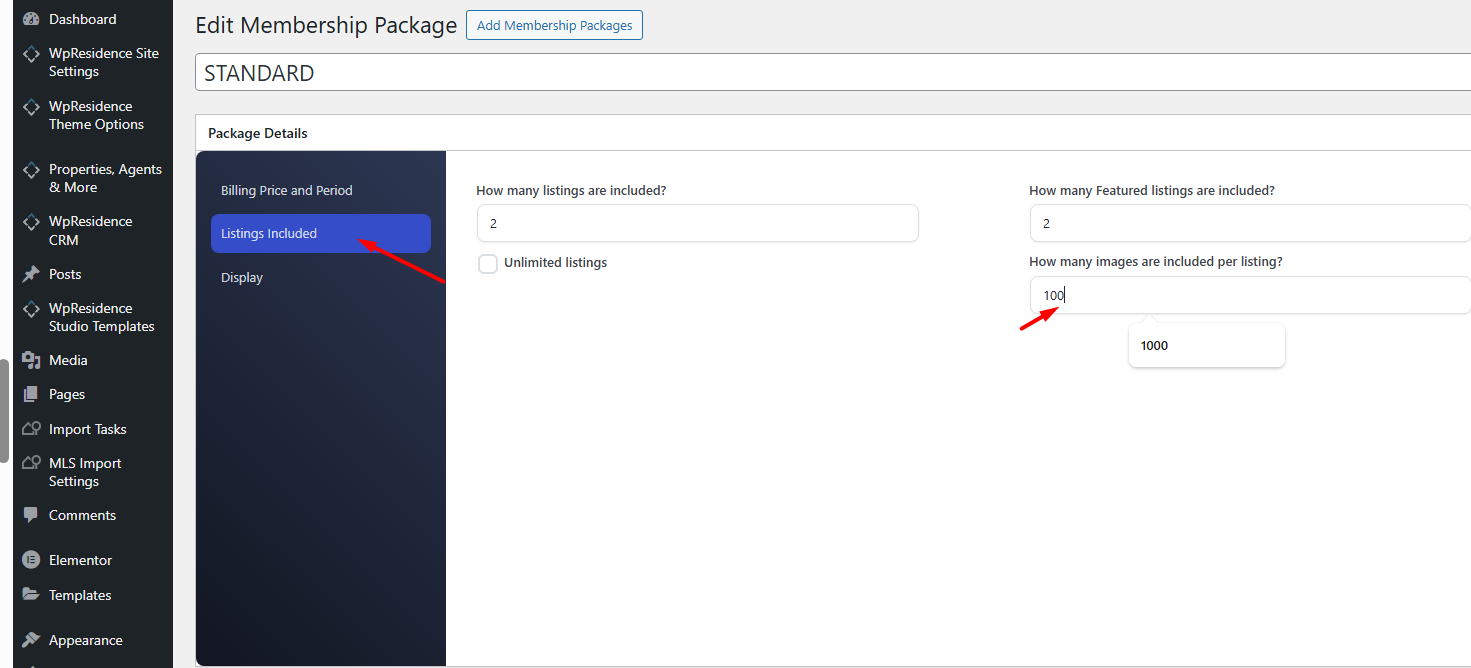
Paid membership packages
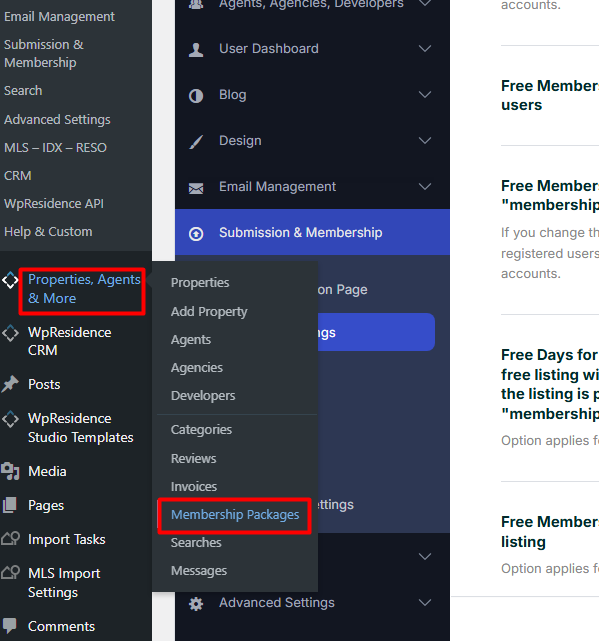
For paid membership packages, the number of allowed images is set inside each membership package.
Each package can have its own image limit, so you can create different packages with different image allowances.
Paid submission per listing
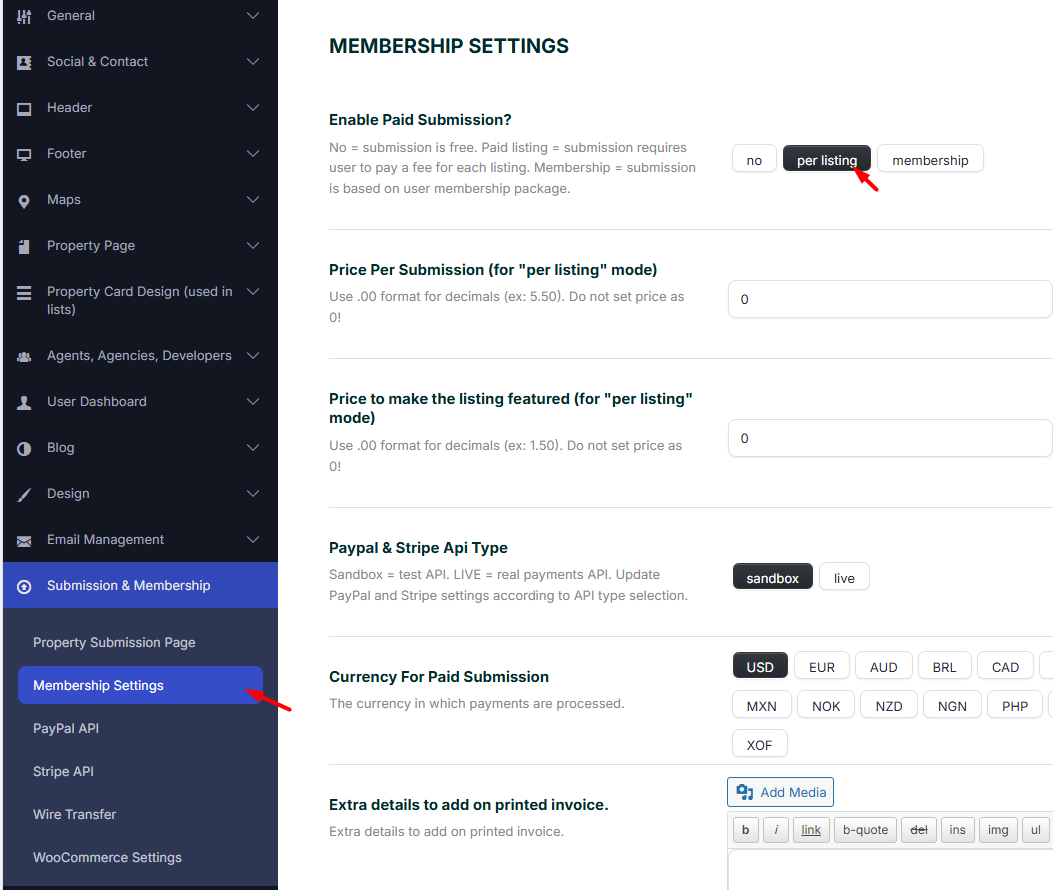
If the website uses paid submission per listing, the image limit is managed from:
Theme Options > Submission & Membership > Property Submission Page > Maximum number of images per property
This value controls how many images users can upload for each paid property submission from the frontend.
Help article about paid submission
Important notes
- For free submission and paid submission per listing, use the setting from Property Submission Page.
- For free membership, use the Free Membership Images setting.
- For paid membership packages, set the image limit inside each package.
- If a user has an active membership package, the package image limit is the one that applies.
- After changing the settings, test the frontend submission form with the correct user role and submission mode.