How to Change the Mobile Header Height and Logo Size
You can use custom CSS to adjust the default mobile header height, mobile logo size, and the position of the mobile menu and user login icons.
Important: This CSS applies to the default WPResidence mobile header. If you use a custom header template created with WPResidence Studio, you can control the mobile header design directly from the template settings and Elementor responsive options. Help https://help.wpresidence.net/article/how-to-create-custom-header-footer-with-header-footer-builder/
Change the Mobile Header Height
To increase or decrease the default mobile header height, add this CSS in Theme Options > Design > Custom CSS, in Appearance > Customize > Additional CSS, or in the style.css file from your child theme:
.mobile_header {
  height: 70px;
}
Change the 70px value with your own value.
Change the Mobile Logo Height
To increase or decrease the mobile logo height, use this CSS:
.mobile-logo img {
  max-height: 70px;
}
Change the 70px value with your own value.
Change the Position of the Mobile Menu and User Login Icons
If you change the mobile header height or logo size, you may also need to adjust the position of the mobile menu icon and user login icon.
Use this CSS:
.mobile_header i {
  margin-top: 40px;
}
Change the 40px value with your own value until the icons align correctly with your mobile header design.
When Using a Header Template From WPResidence Studio
If your website uses a header template created with WPResidence Studio, you do not need to use this CSS for the default mobile header.
With a Studio header template, you can control the mobile layout, logo size, spacing, alignment, visibility, and responsive behavior directly from the template builder and Elementor mobile settings.
Use the CSS in this article only if your website is using the default theme mobile header.
Related Help Article
How to add custom CSS
Clear Cache
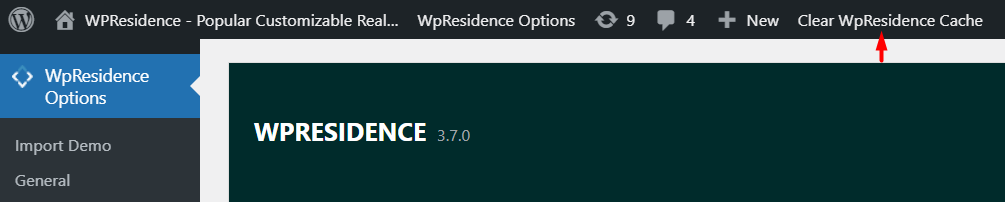
Tip: If you have theme cache enabled, make sure you clear the WPResidence theme cache to see the changes immediately.
Help article about WPResidence theme cache