
The Scroll Gallery widget allows you to create an interactive image section in Elementor.
You can use it to display images with titles and text in a smooth scrolling gallery layout.
This widget is useful for showcasing property highlights, services, neighborhoods, featured areas, design details, or any visual content you want to present in a more dynamic way.
How to add the Scroll Gallery widget
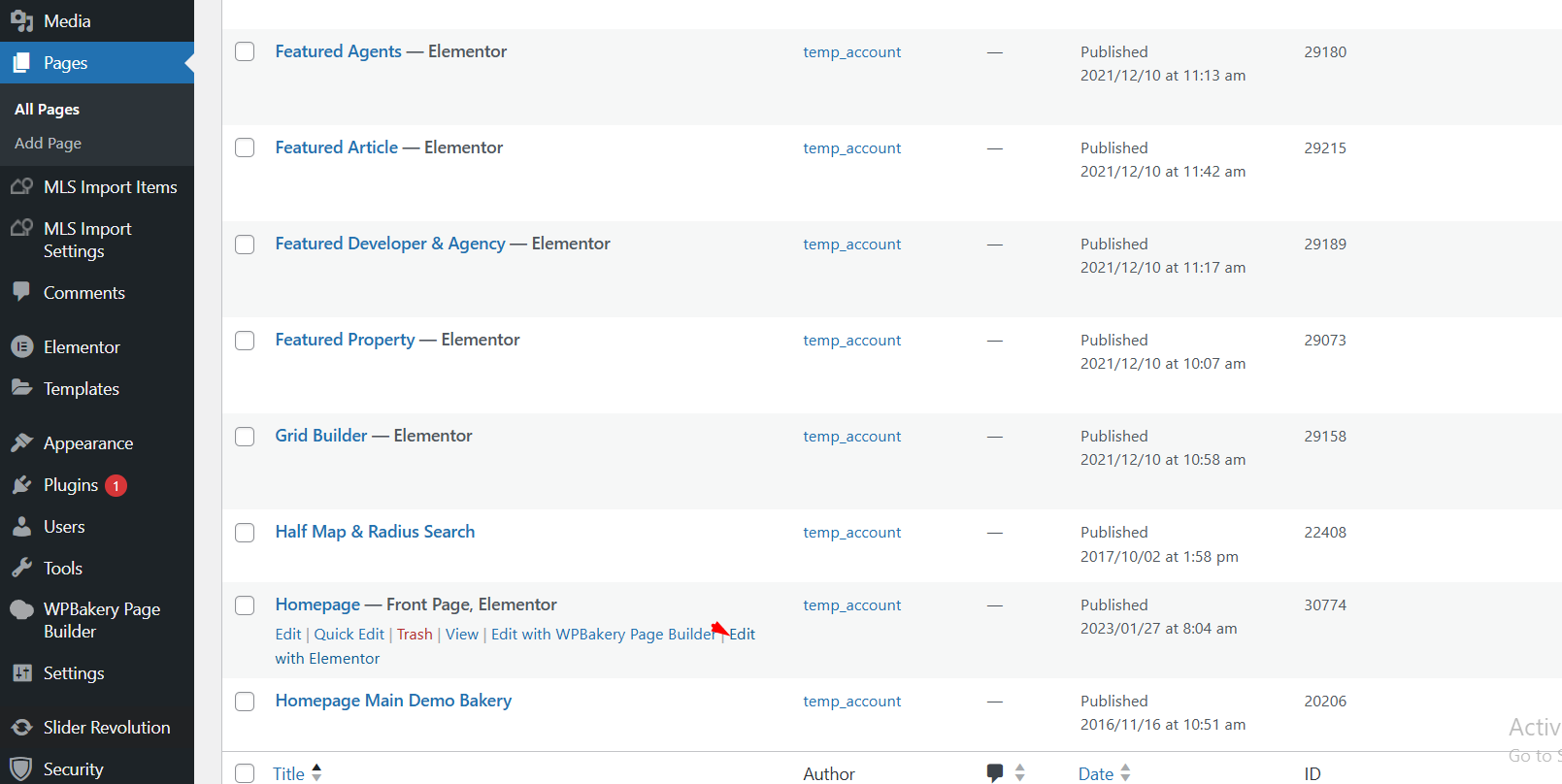
- Log in to your WordPress dashboard.
- Go to Pages and edit an existing page, or create a new page.
- Click Edit with Elementor.
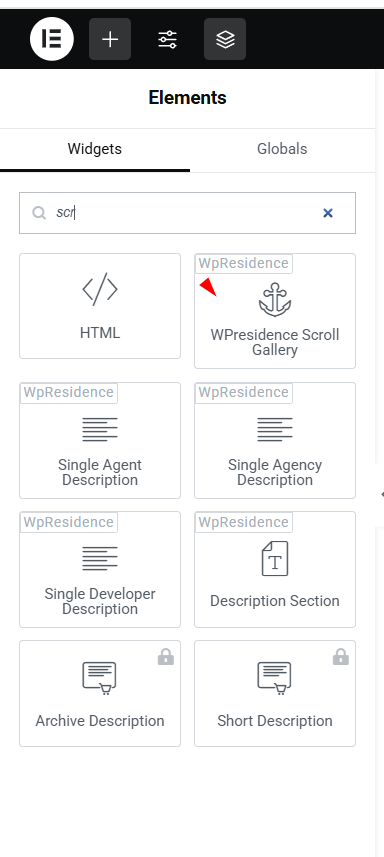
- In the Elementor widget panel, search for Scroll Gallery.
- Drag and drop the Scroll Gallery widget into your page.
Content settings
After adding the widget, open the Content tab from the Elementor left panel.
From this section, you can add and manage the gallery items.
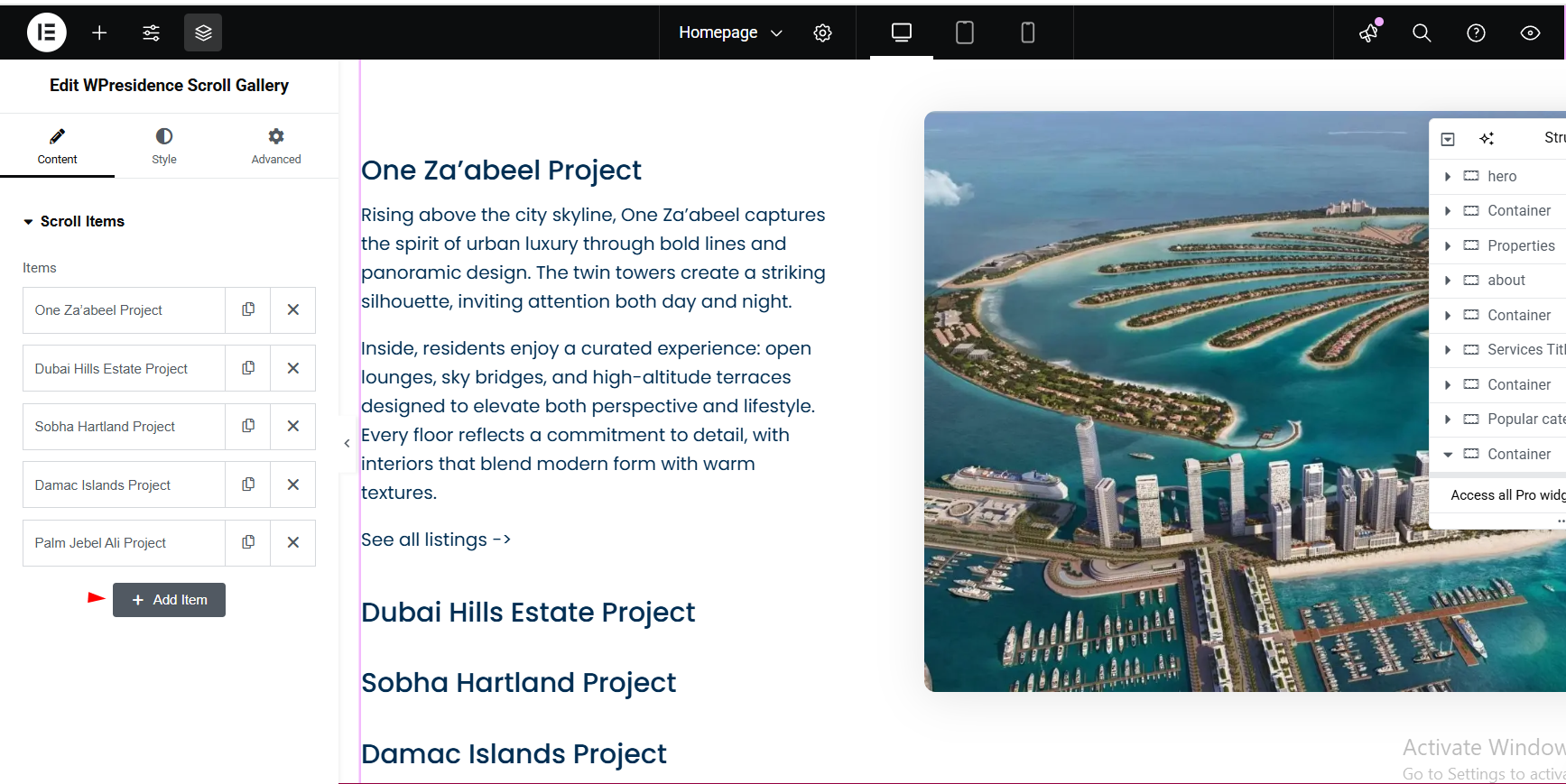
Add gallery items
You can add as many gallery items as you need.
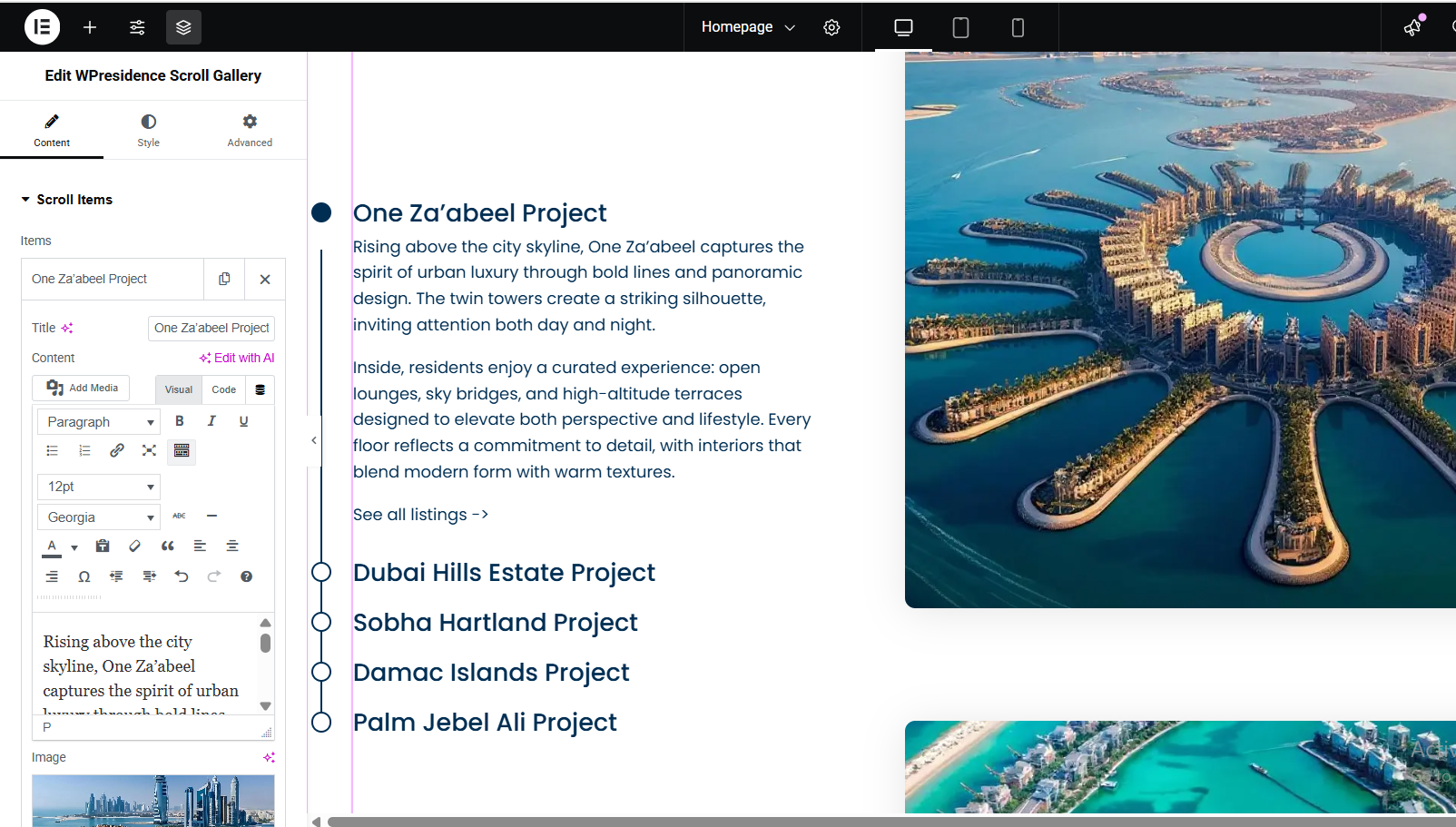
For each item, you can set:
- Title – the heading for that gallery item.
- Text – the short description shown with the item.
- Image – the image displayed in the scroll gallery.
Add each item one by one and update the title, text, and image based on the content you want to show.
Style settings
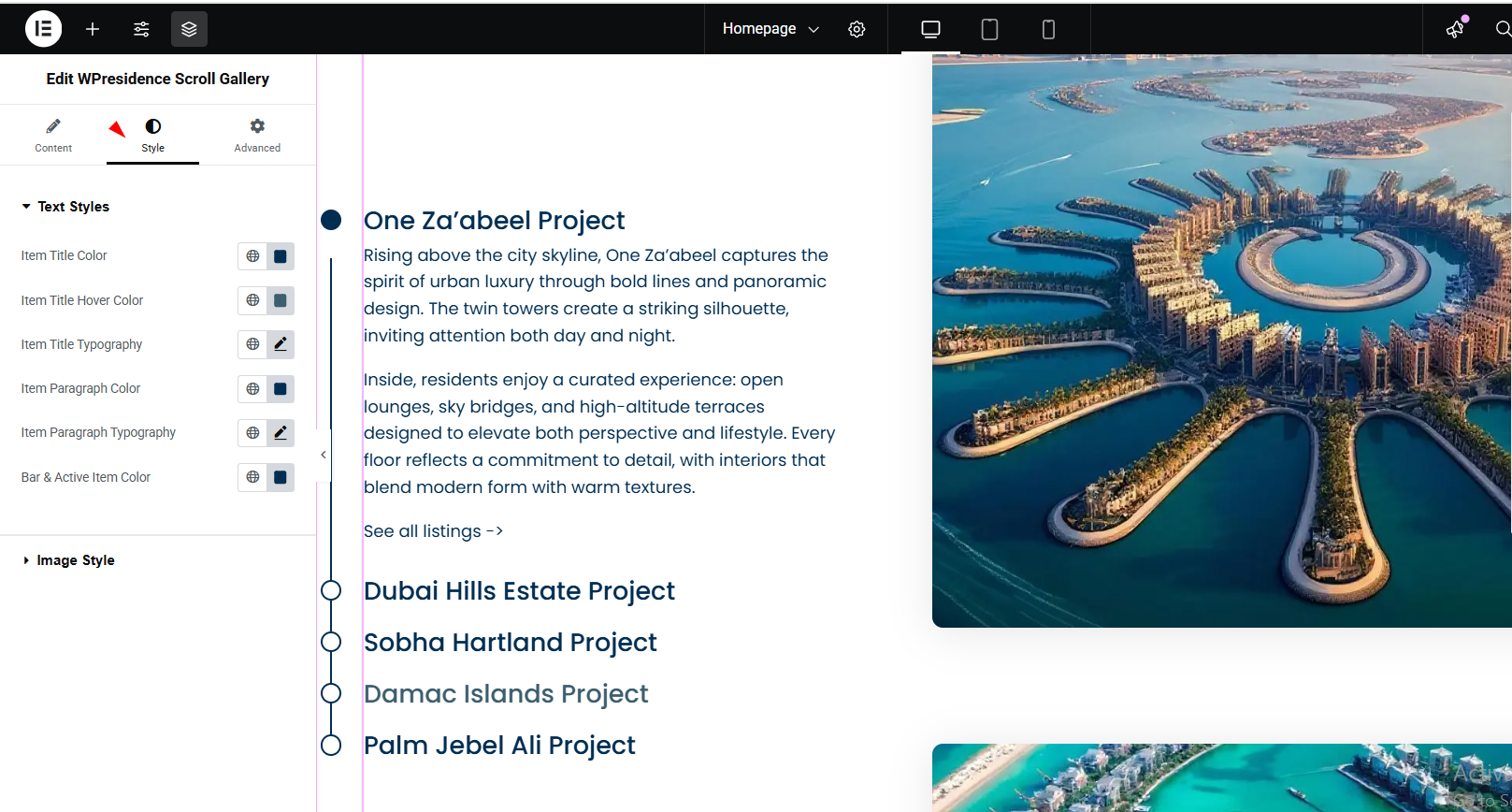
Use the Style tab in Elementor to customize the design of the Scroll Gallery widget.
Depending on the widget options available in your version, you can manage:
- Colors – change text colors, background colors, and other visual details.
- Typography – adjust font size, font weight, and text style.
- Image appearance – control how the images display inside the gallery.
- Spacing – adjust margins, padding, and layout spacing from Elementor settings.
Important notes
- The Scroll Gallery widget is added and edited with Elementor.
- Gallery items are added manually inside the widget.
- Each item can have its own title, text, and image.
- Use the Style tab to control colors, typography, spacing, and image design.
- For best results, use good quality images with similar dimensions.
- After editing the widget, click Update or Publish in Elementor.
- If changes do not show immediately, clear cache and refresh the page.