WP Residence Help WP Residence Help

  • WPRESIDENCE
  • Video Tutorials
  • Client Support
  • API
Home / Multi-Language - Third Party Plugins / WPML – Show a different size and lot size measurement in 2nd language

WPML – Show a different size and lot size measurement in 2nd language

2754 views 0

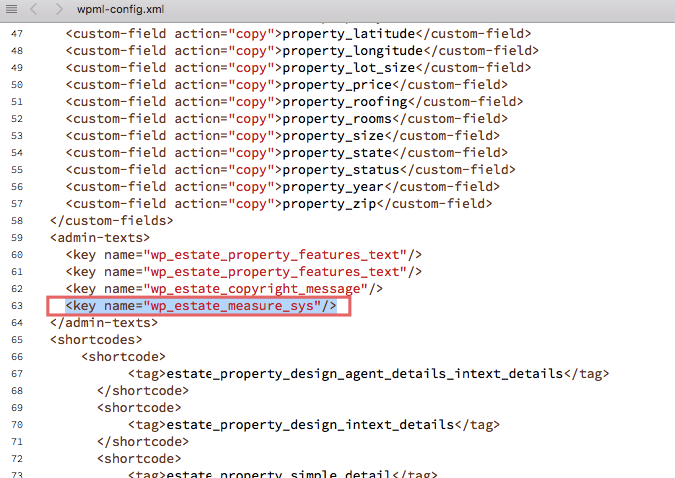
Check wpml-config.xml

You should have the following line

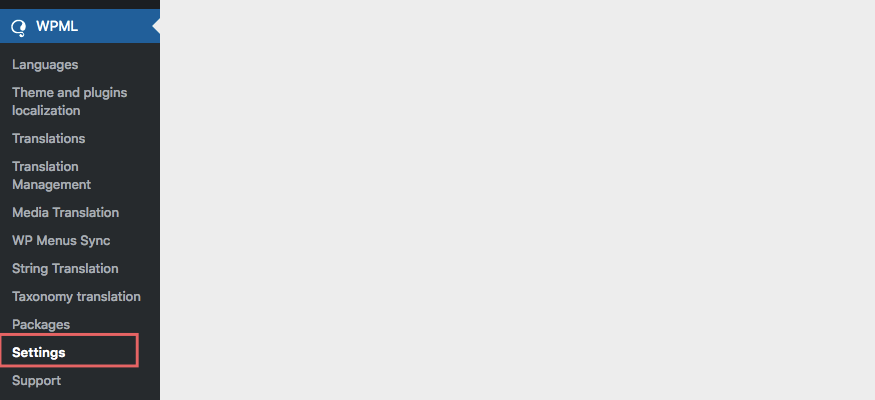
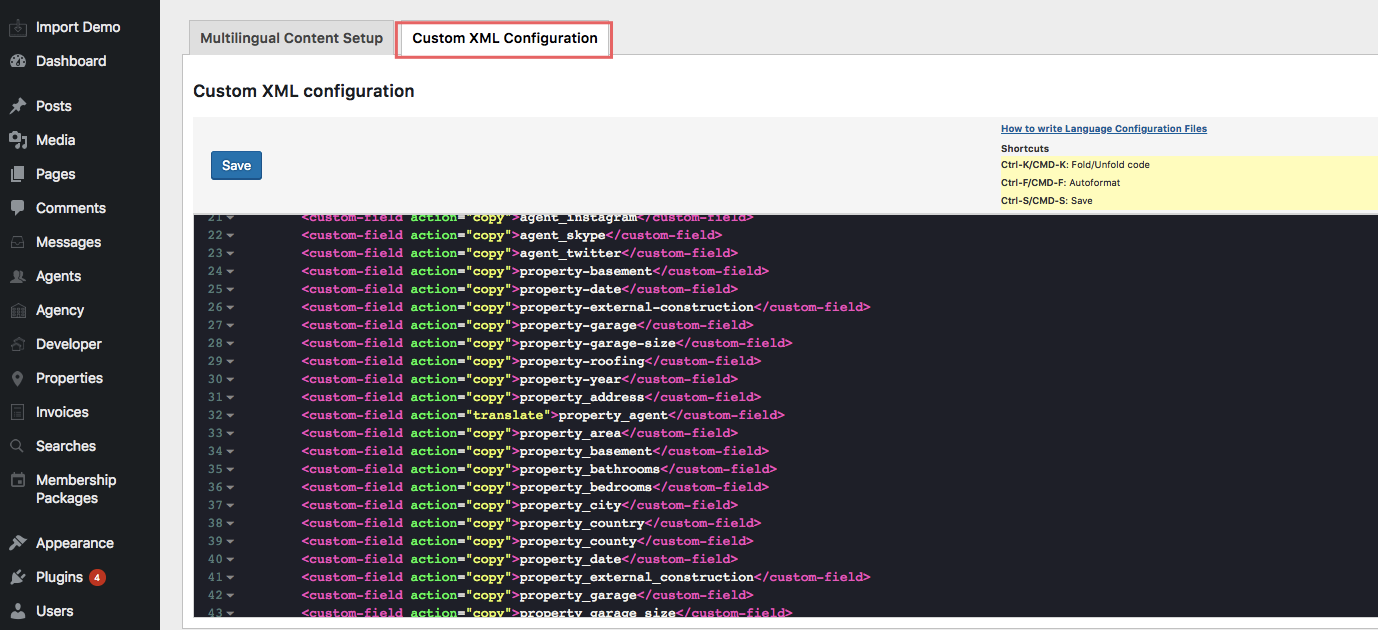
If you don’t have this line, you can add it through wpml settings

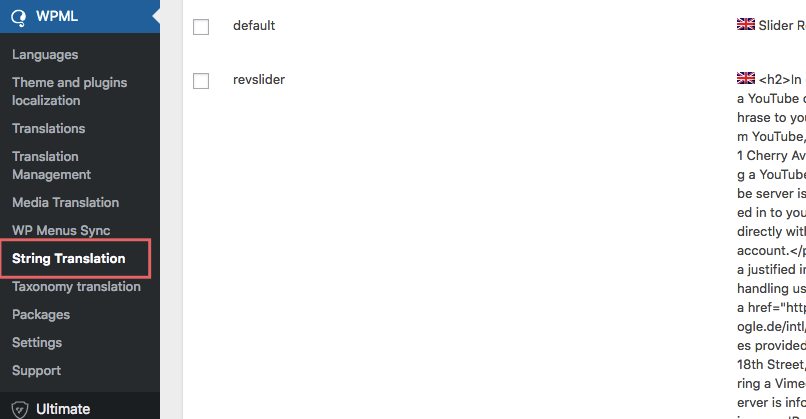
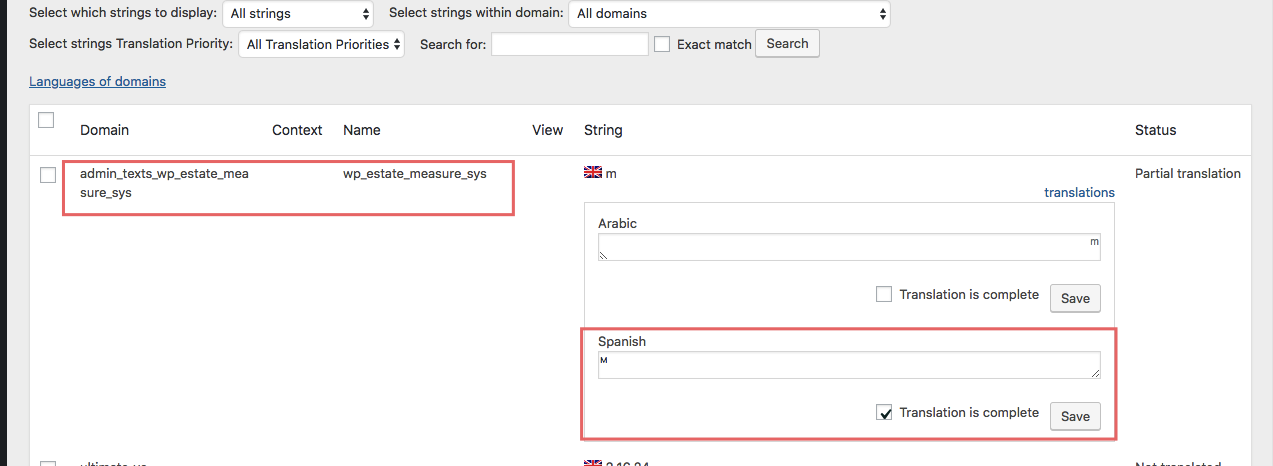
Translate measurement from String Translation

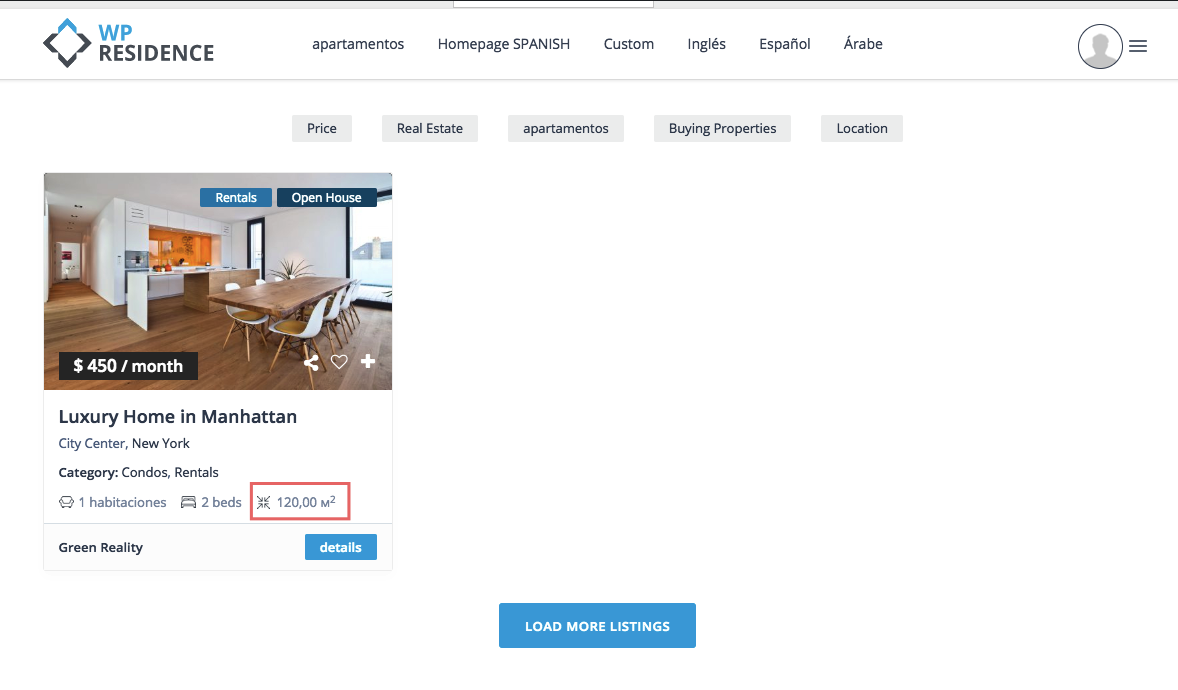
Check front end to confirm it’s working

Multi-Language - Third Party Plugins

Related Articles

  • How to translate WP Residence Studio templates with WPML
  • WpResidence and WPML (optional plugin)
  • WPML Language Switched display in top bar
  • WPML – How to translate Recent Items Shortcode Categories Filters

Help Categories

  • 18Agent, Agency & Developers
  • 5Blog Posts & Blog Lists
  • 39Elementor Shortcodes Built-In
  • 46FAQ
  • 15Footer
  • 5Getting Started
  • 37Header
  • 2IDX & MLSImport
  • 6Installation & Setup
  • 24Installation FAQ
  • 23Maps & Location Settings
  • 21Multi-Language - Third Party Plugins
  • 6Other Third party Plugins
  • 21Pages
  • 4Payments & Monetization
  • 20Property Lists, Categories & Archive
  • 37Property Pages & Layouts
  • 31Search & Filtering
  • 162Technical how to | Custom Code Required
  • 8Technical: Actions and filters
  • 6Technical: Child Theme
  • 86Theme Options & Global Settings
  • 7Translations & Languages
  • 16WPBakery Shortcodes
  • 50WPEstate / WPResidence Translate Plugin
  • 51WPResidence / WPEstate CRM
  • 50WPResidence 5.0 Documentation
  • 9WPResidence Elementor Studio

Join Us On

Powered by WP Estate - All Rights Reserved
  • WPRESIDENCE
  • Video Tutorials
  • Client Support
  • API