The property page is displayed using the single-estate_property.php file.
On the property page you can pick between two types : horizontal and vertical.
You can set a global slider value (to be applied on all listings) or you can pick one per page. This is the code that loads the slider:
 if ($local_pgpr_slider_type_status=='global'){

$prpg_slider_type_status= esc_html ( get_option('wp_estate_global_prpg_slider_type','') );

if($prpg_slider_type_status=='vertical'){

get_template_part('templates/listingslider-vertical');

}else{

get_template_part('templates/listingslider');

}

}elseif($local_pgpr_slider_type_status=='vertical') {

get_template_part('templates/listingslider-vertical');

}else{

get_template_part('templates/listingslider');

}
*** the horizontal slider is in templates/listingslider.php while the vertical slider is in templates/listingslider-vertical.php
The property page has 2 main formats – accordion and tabs. This is the code that loads one of the version:
$local_pgpr_content_type_status = get_post_meta($post->ID, 'local_pgpr_content_type', true);

if($local_pgpr_content_type_status =='global'){

$global_prpg_content_type_status= esc_html ( get_option('wp_estate_global_prpg_content_type','') );

if($global_prpg_content_type_status=='tabs'){

get_template_part ('/templates/property_page_tab_content');

}else{

get_template_part ('/templates/property_page_acc_content');

}

}elseif ($local_pgpr_content_type_status =='tabs') {

get_template_part ('/templates/property_page_tab_content');

}else{

get_template_part ('/templates/property_page_acc_content');

}
The property page tab content is in templates/property_page_tab_content.php while the accordion is in /templates/property_page_acc_content.php
The next block in this file is the one that loads or not the sidebar agent – adds the agent card on the sidebar
 $sidebar_agent_option_value= get_post_meta($post->ID, 'sidebar_agent_option', true);

$enable_global_property_page_agent_sidebar= esc_html ( get_option('wp_estate_global_property_page_agent_sidebar','') );

if ( $sidebar_agent_option_value=='global' ){

if($enable_global_property_page_agent_sidebar!='yes'){

get_template_part ('/templates/agent_area');

}
}else if($sidebar_agent_option_value !=’yes’){
get_template_part (‘/templates/agent_area’);
}
And in the end we have the similar listing block
get_template_part ('/templates/similar_listings');
The actual content page
As explained before the property page tab content is in templates/property_page_tab_content.php while the accordion is in /templates/property_page_acc_content.php.
In both of these file the content is displayed using various functions . For ex in property_page_acc_content.php we have
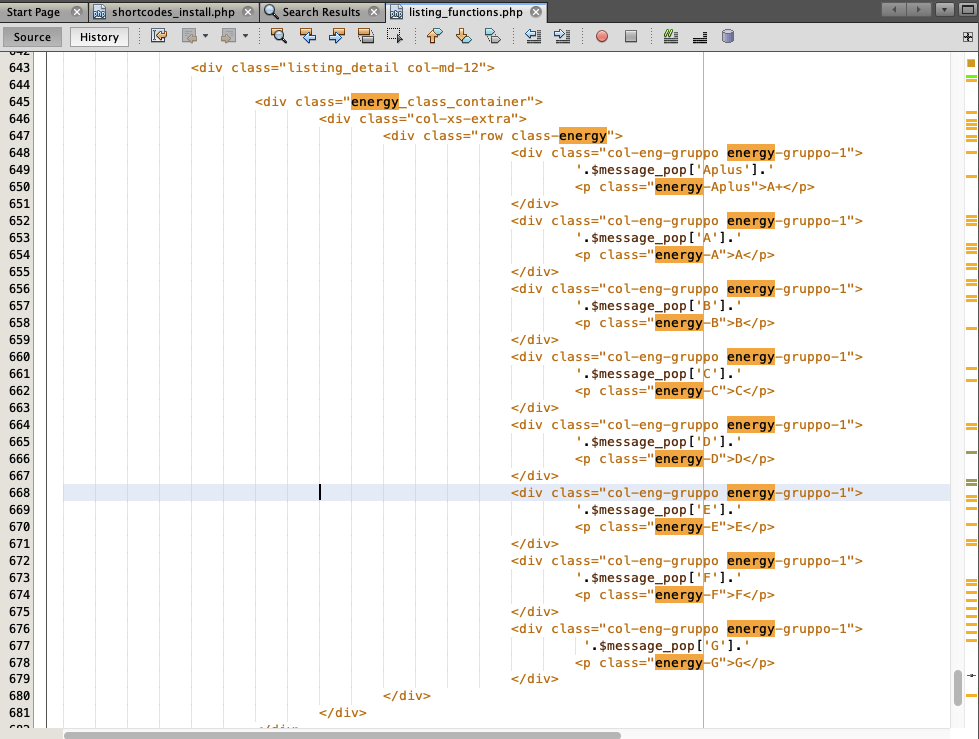
wpestate_energy_save_features($post->ID);  / / show energy details

estate_listing_address($post->ID); //  - shows address details

estate_listing_details($post->ID); // - show property details (default and custom fields)

estate_listing_features($post->ID); // show property Features and Amenities

wpestate_virtual_tour_details($post->ID);   //  show  Virtual Tour

wpestate_walkscore_details($post->ID); // show walkscore for property

estate_floor_plan($post->ID); //- show floor plans

wpestate_yelp_details($post->ID);    //  - show yelp details

wpestate_show_stat_accordion();    //  -show Page Views Statistics
All the above functions are located in libs/listing_functions.php
—
Ex: Duplicate Energy Class
The code is in wpresidence/libs/listing_functions.php