
Images Are Not Resized Correctly
WPResidence uses the image processing features available on your server to resize uploaded images and generate thumbnails.
If images are not resized correctly on your website, or if thumbnails are not generated, please first check if the PHP GD Library is installed and enabled on your server.
Why GD Library Is Needed
The GD Library is a PHP extension used by WordPress to process images. It helps WordPress resize images, crop thumbnails, and generate the image sizes required by the theme.
If this PHP extension is missing or disabled, WordPress may not be able to generate the correct image sizes for your website.
How to Check if GD Library Is Installed
You can check this from your hosting account or by using a WordPress plugin that displays PHP information.
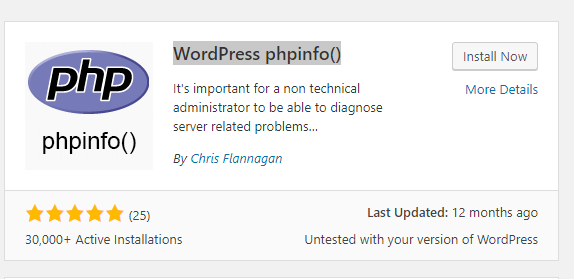
One option is to install a WordPress phpinfo() plugin and check the PHP configuration on your server.
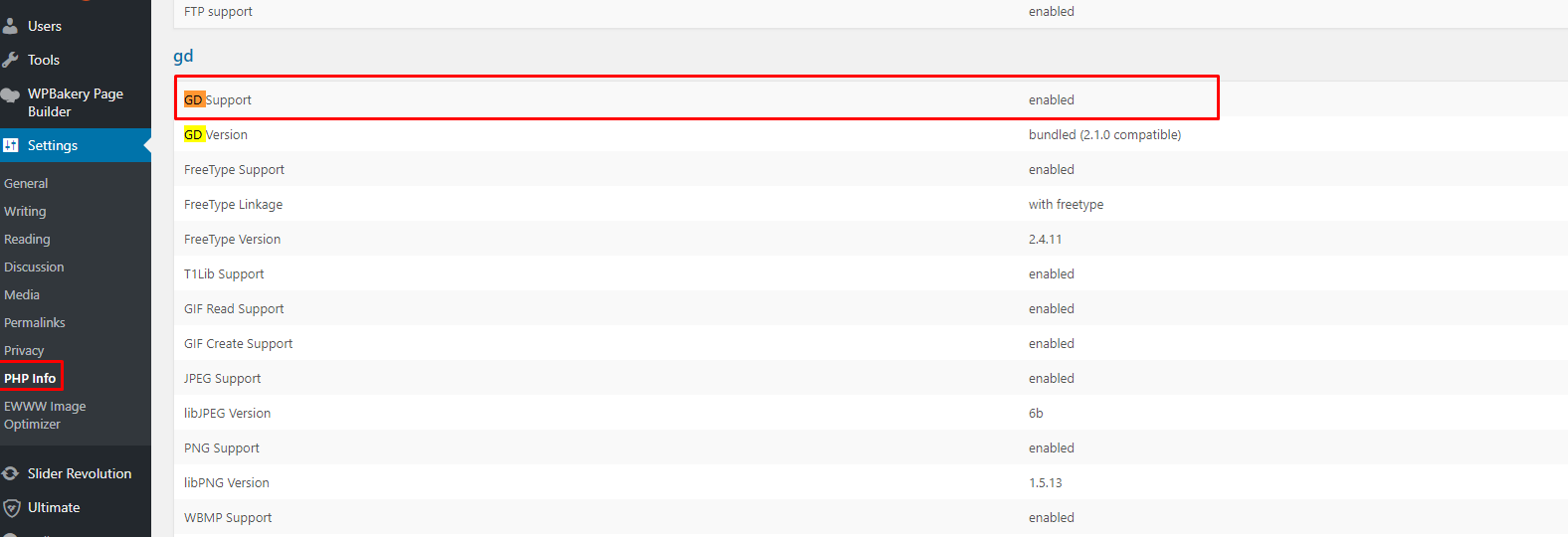
After opening the PHP information page, search for GD or gd. If the GD Library is installed, you should see a section similar to the example below.
How to Enable GD Library
If GD Library is not installed or enabled, please contact your hosting provider and ask them to enable the PHP GD extension for your website.
You can send them this message:
Hello,

Images are not resizing correctly on my WordPress website.

Please check if the PHP GD Library extension is installed and enabled for my hosting account/server.

If it is not enabled, please enable the PHP GD extension.

Thank you.
After GD Library Is Enabled
After your hosting provider enables GD Library, please regenerate thumbnails for the images already uploaded to your website.
You can use a thumbnail regeneration plugin from the WordPress plugin repository, such as Force Regenerate Thumbnails or another similar plugin.
Then clear your website cache, server cache, CDN cache if used, and browser cache.