How to Hide the “Open in Google Maps” Option
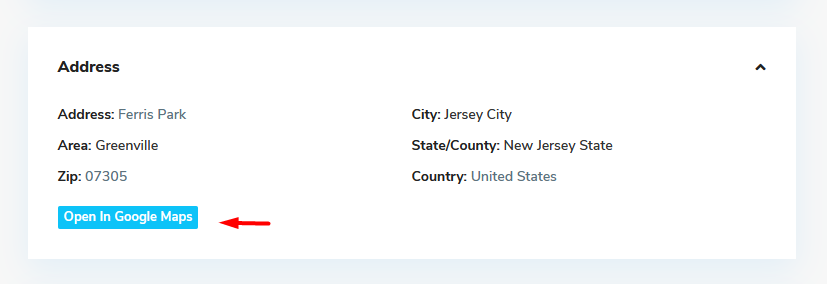
You can hide the Open in Google Maps option from the property page map section by using custom CSS.
Custom CSS
Add the following CSS in Theme Options > Design > Custom CSS, in Appearance > Customize > Additional CSS, or in the style.css file from your child theme:
.acc_google_maps {
  display: none;
}
Clear Cache
After adding the CSS, clear your website cache, server cache, CDN cache if used, and browser cache.
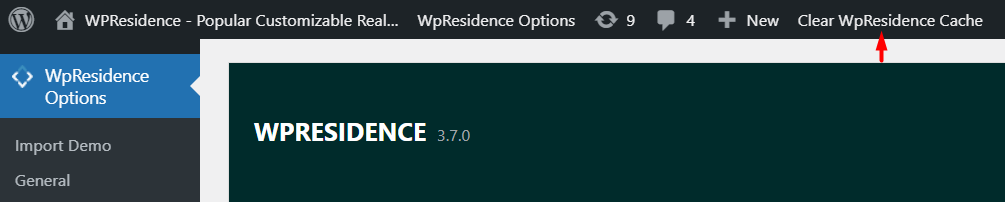
Tip: If you have theme cache enabled, make sure you clear the WPResidence theme cache to see the change immediately.
Help article about WPResidence theme cache